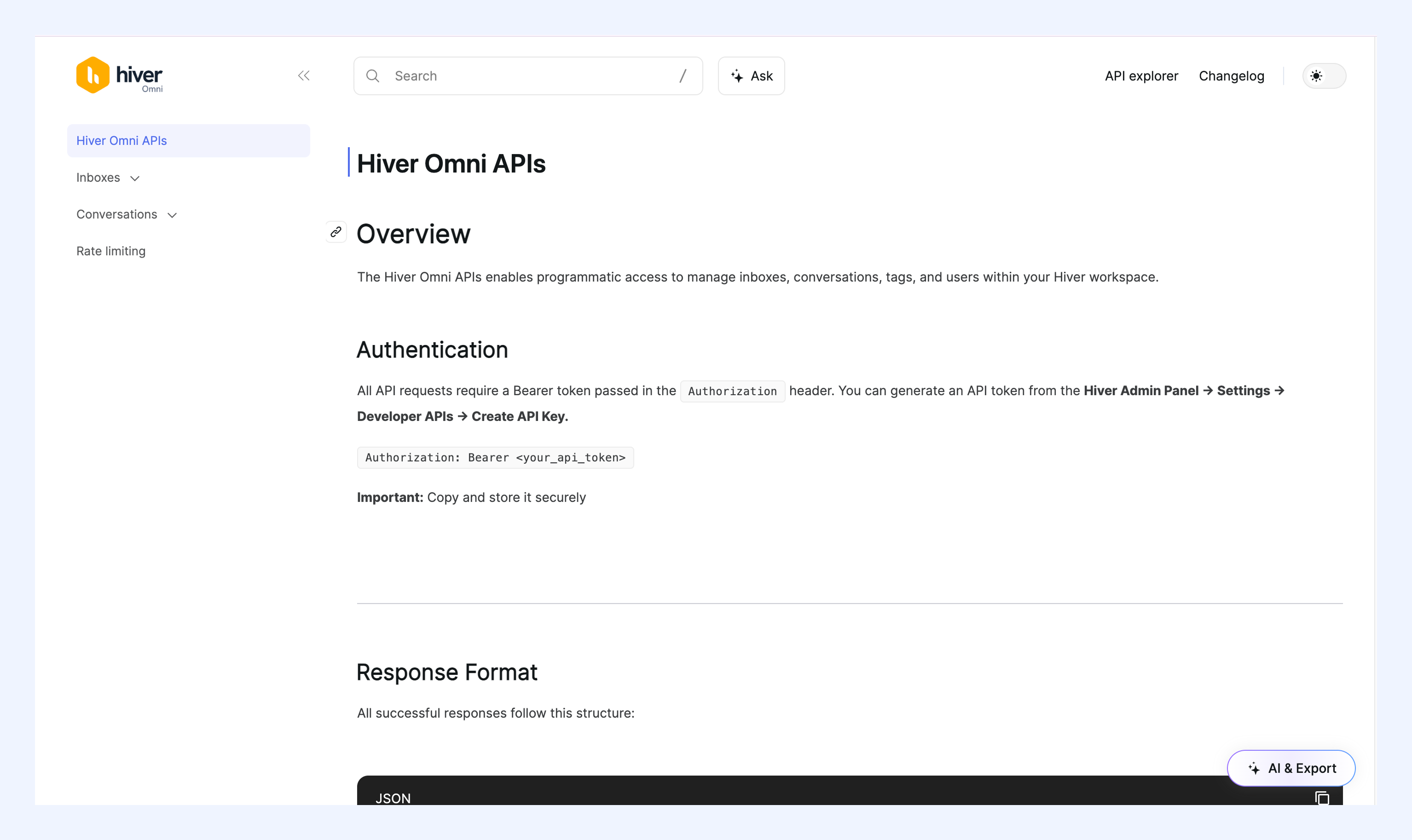
Hiver Omni API
The Hiver Omni API lets you connect Hiver Omni with the tools your team already uses and build custom integrations around your workflows.
For the full API reference, visit the Hiver Omni API documentation.
Note:
- Only Admins can generate API keys.
- Hiver Omni API is available as a part of the early access program. Contact support@hiverhq.com to enable it in your account.
Generating an API Key
You can generate an API key to access the Hiver Omni REST APIs with the following steps:
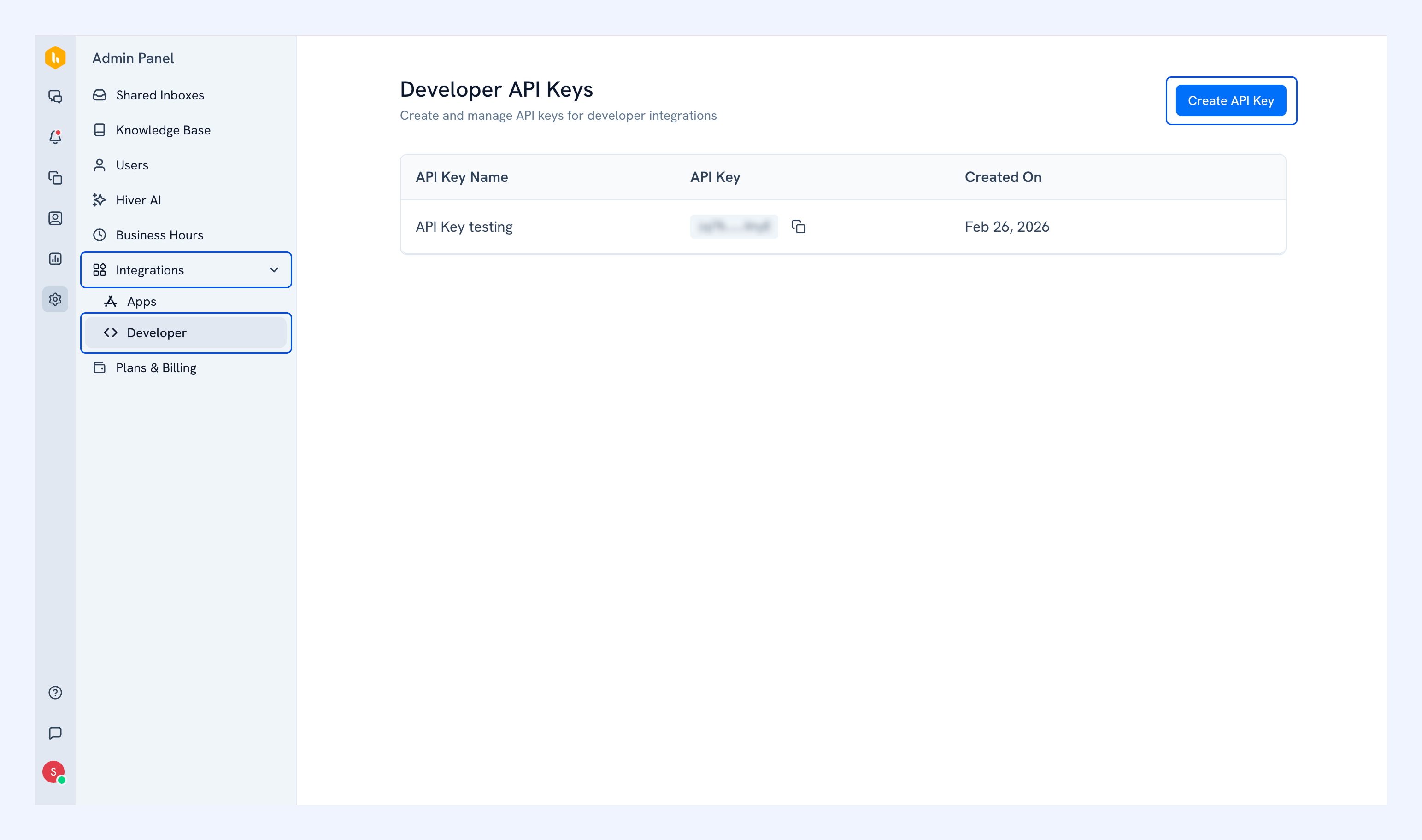
Step 1: Open the Developer settings
In your Hiver Omni Admin Panel, go to Integrations → Developer, and click Create API Key.
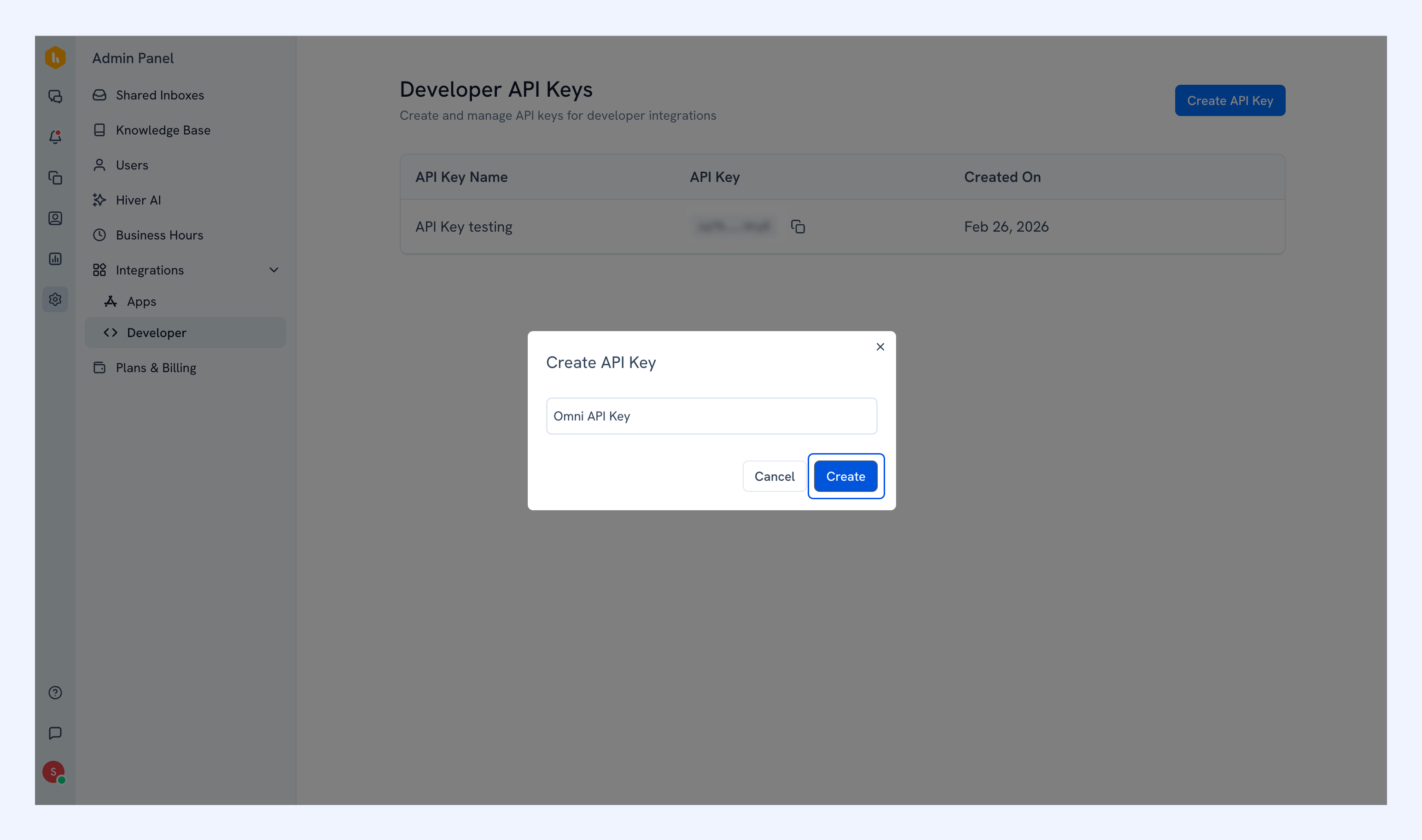
Step 2: Name your API key
Enter a name for the key and click Create.
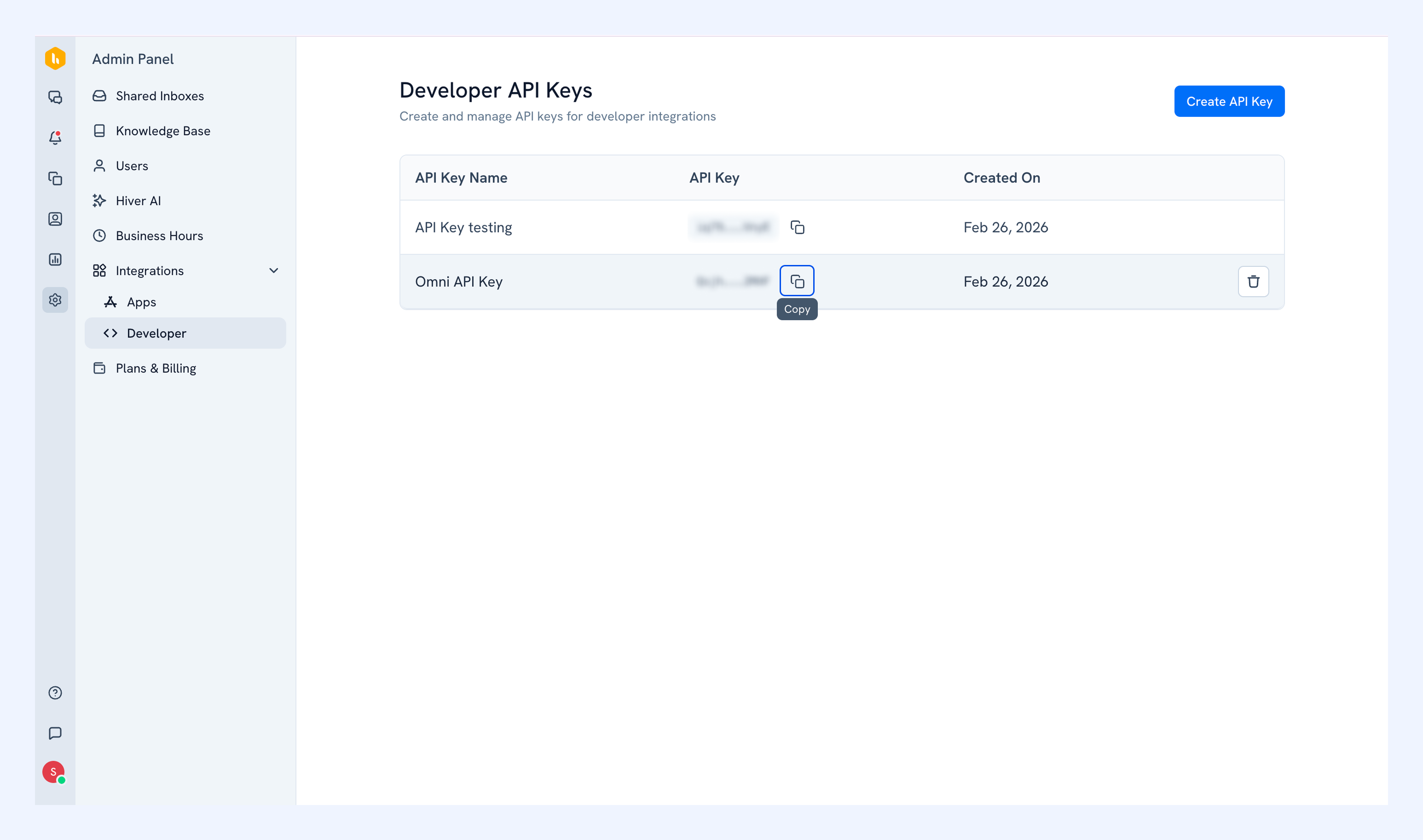
Step 3: Copy the key
Once generated, click the copy icon next to the key and store it securely.
Deleting an API Key
If you no longer need a key, hover over its row in the Developer API Keys list and click the delete icon.
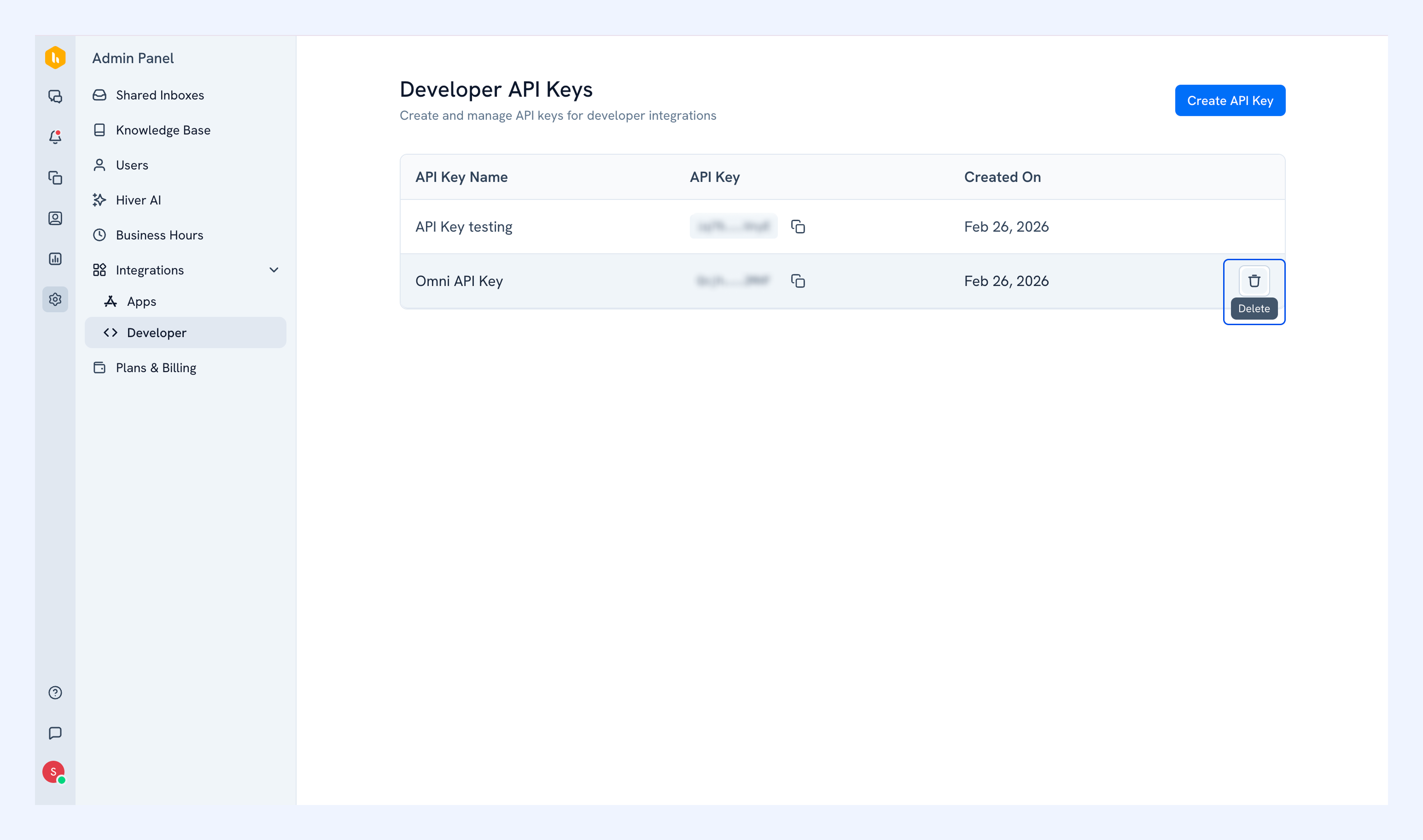
Confirm by clicking Delete.
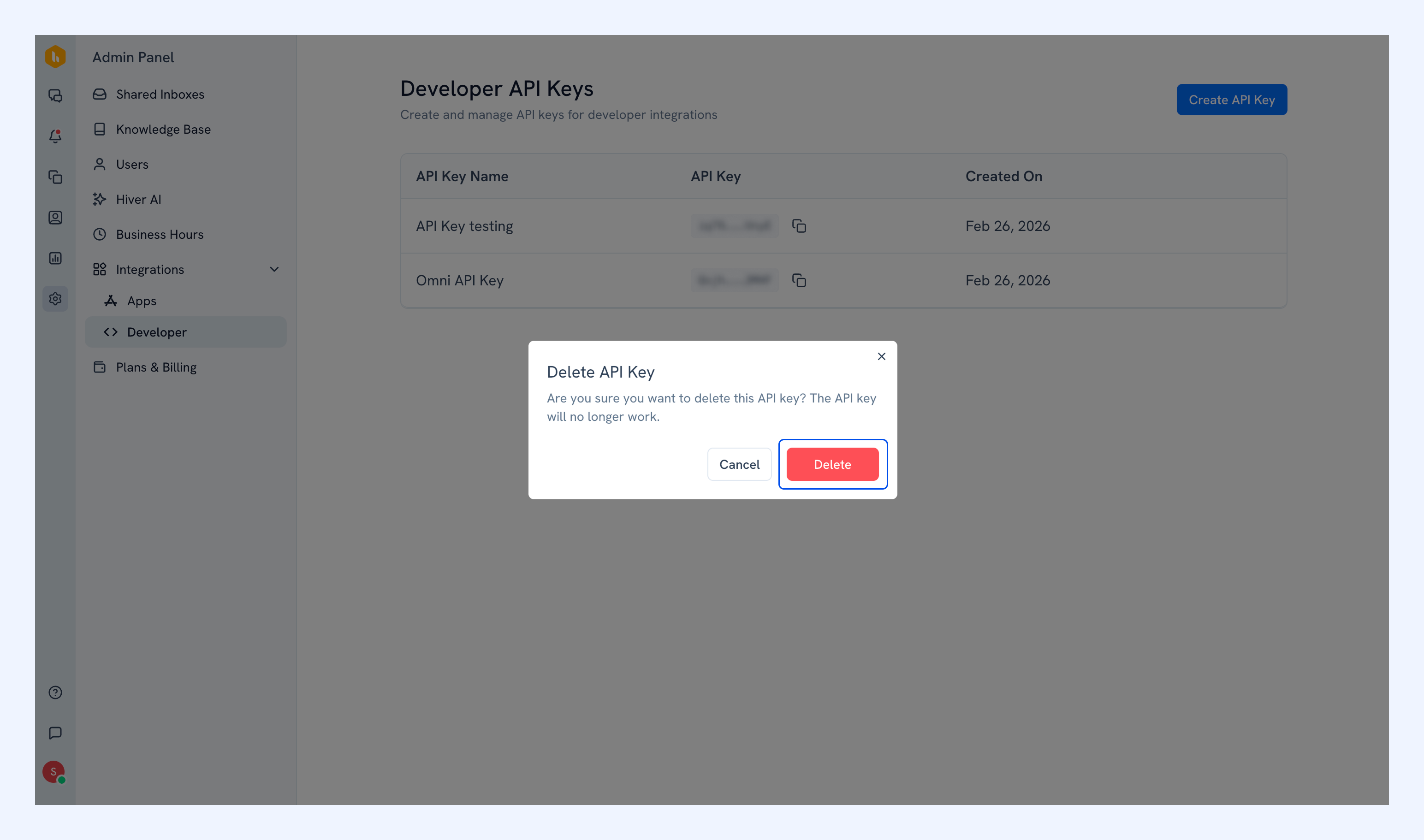
Note: Deleting a key is permanent, and any integration using that key will stop working immediately.
Next steps
Head to the Hiver Omni API documentation to explore available endpoints and get started with authentication details, and example requests.