Configuring Zapier with Hiver
Zapier allows you to automate tasks between Hiver and other apps. When an event happens in Hiver, Zapier can trigger actions in the connected apps to help streamline your daily workflows.
For instance, you can set up an action to send alerts to Slack, update Salesforce, or post to Telegram whenever certain actions take place in Hiver.
What is Zapier
Zapier connects different apps and automates tasks between them. Each automation is called a Zap. A Zap is made up of a trigger (an event that starts the workflow) and one or more actions (tasks performed automatically in the connected app).
Enabling Zapier in Hiver
Before you start, make sure the Zapier integration is enabled in your Hiver Admin Settings.
1. Open Gmail and go to Hiver Settings → Admin Panel.
2. Navigate to Integrations → Apps → Zapier.
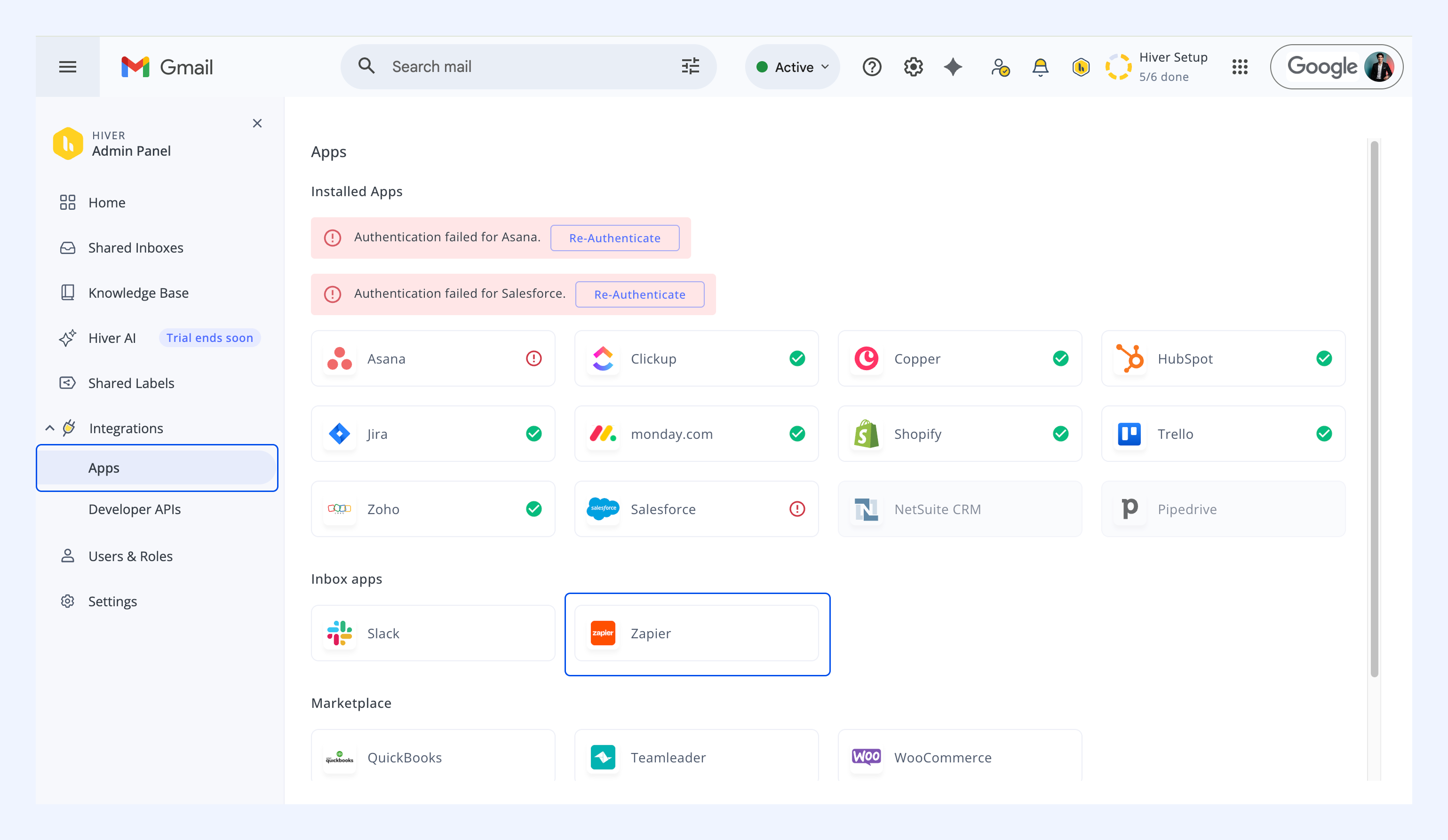
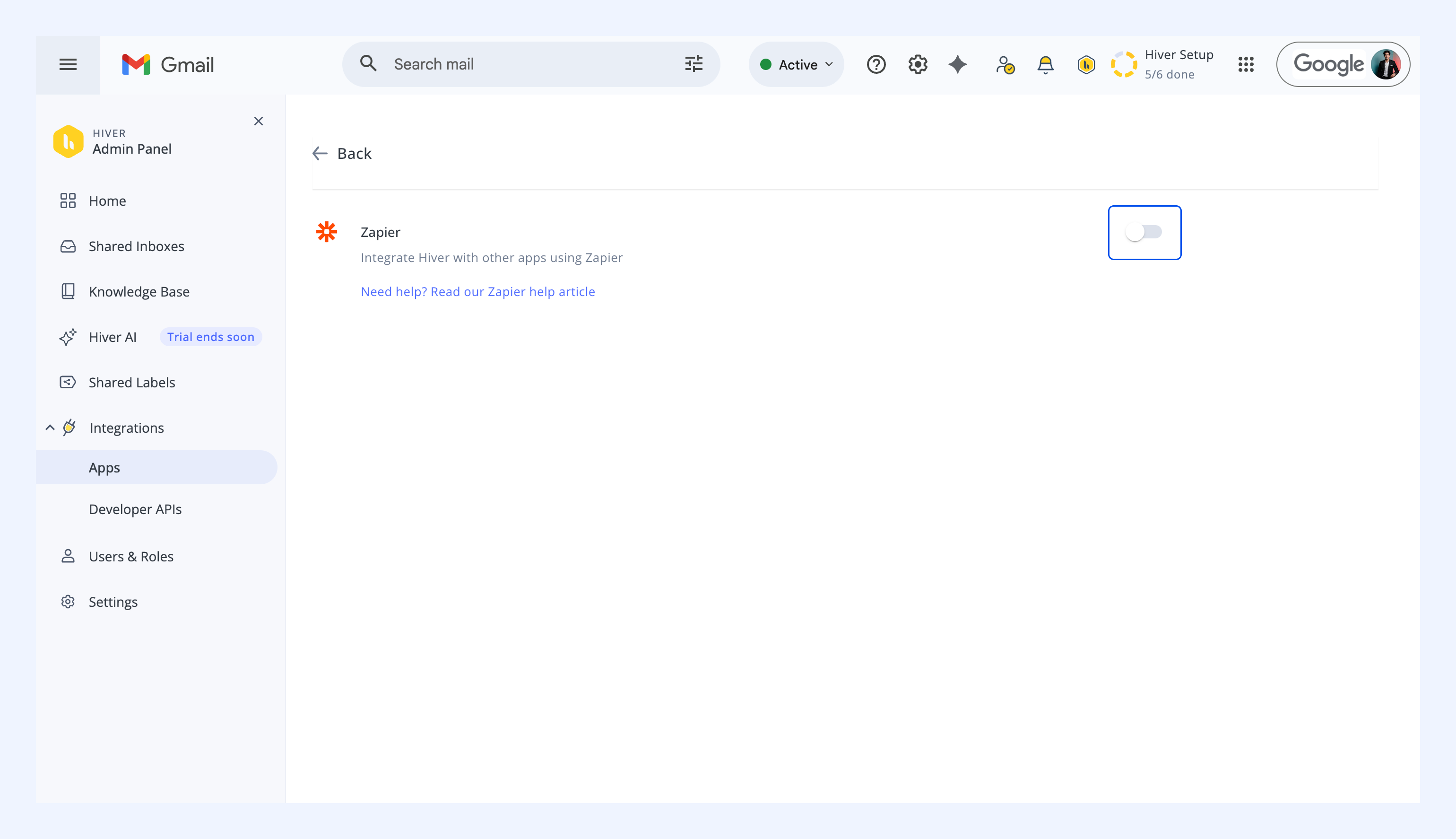
3. Turn on the Zapier toggle.
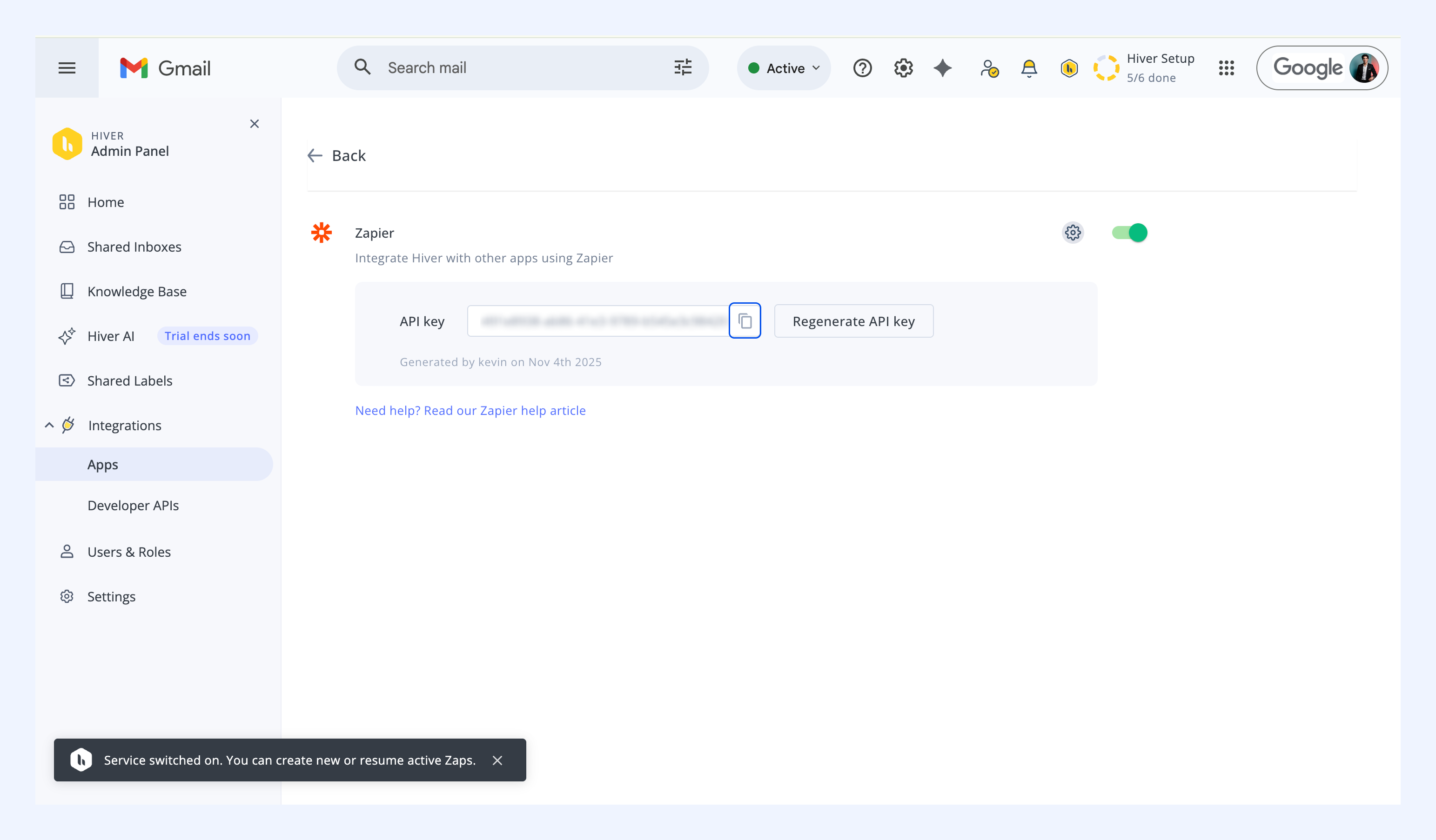
4. Copy your API key, you’ll need it in Zapier.
Connect Hiver to Zapier
Once the integration is enabled, link your Hiver workspace to Zapier.
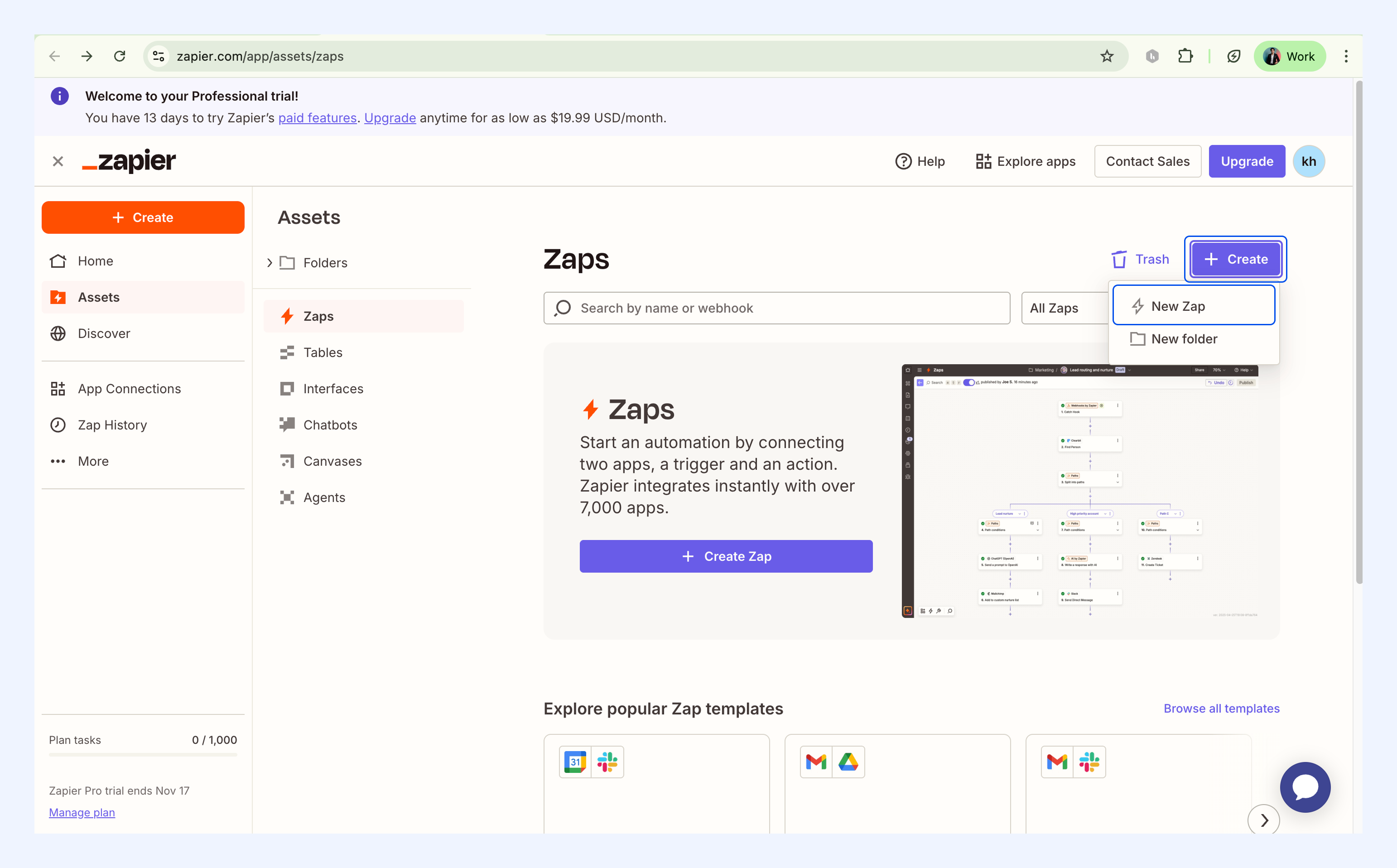
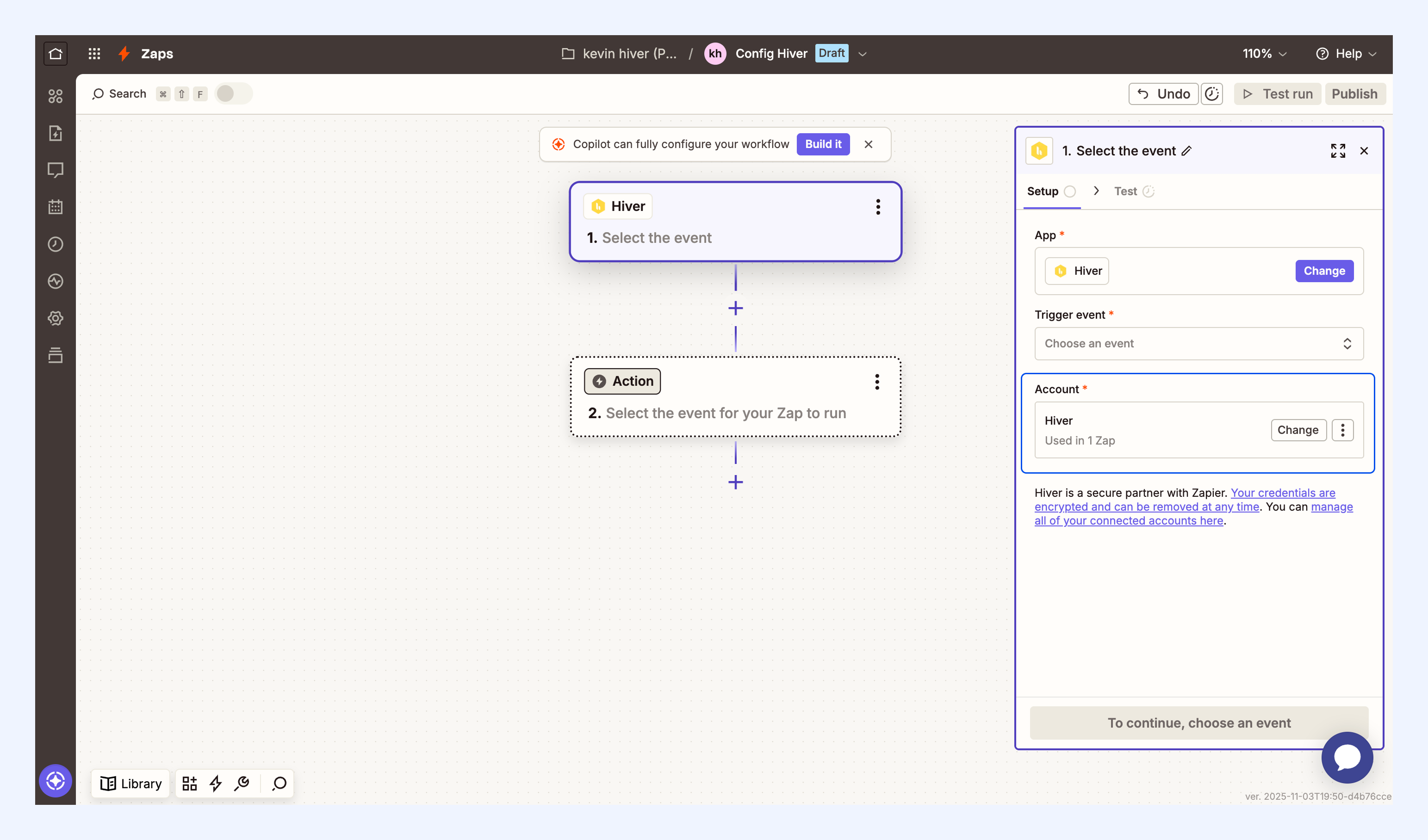
1. In Zapier,go to your Zaps dashboard.
2. Select Create → New Zap.
3. Click the Trigger block.
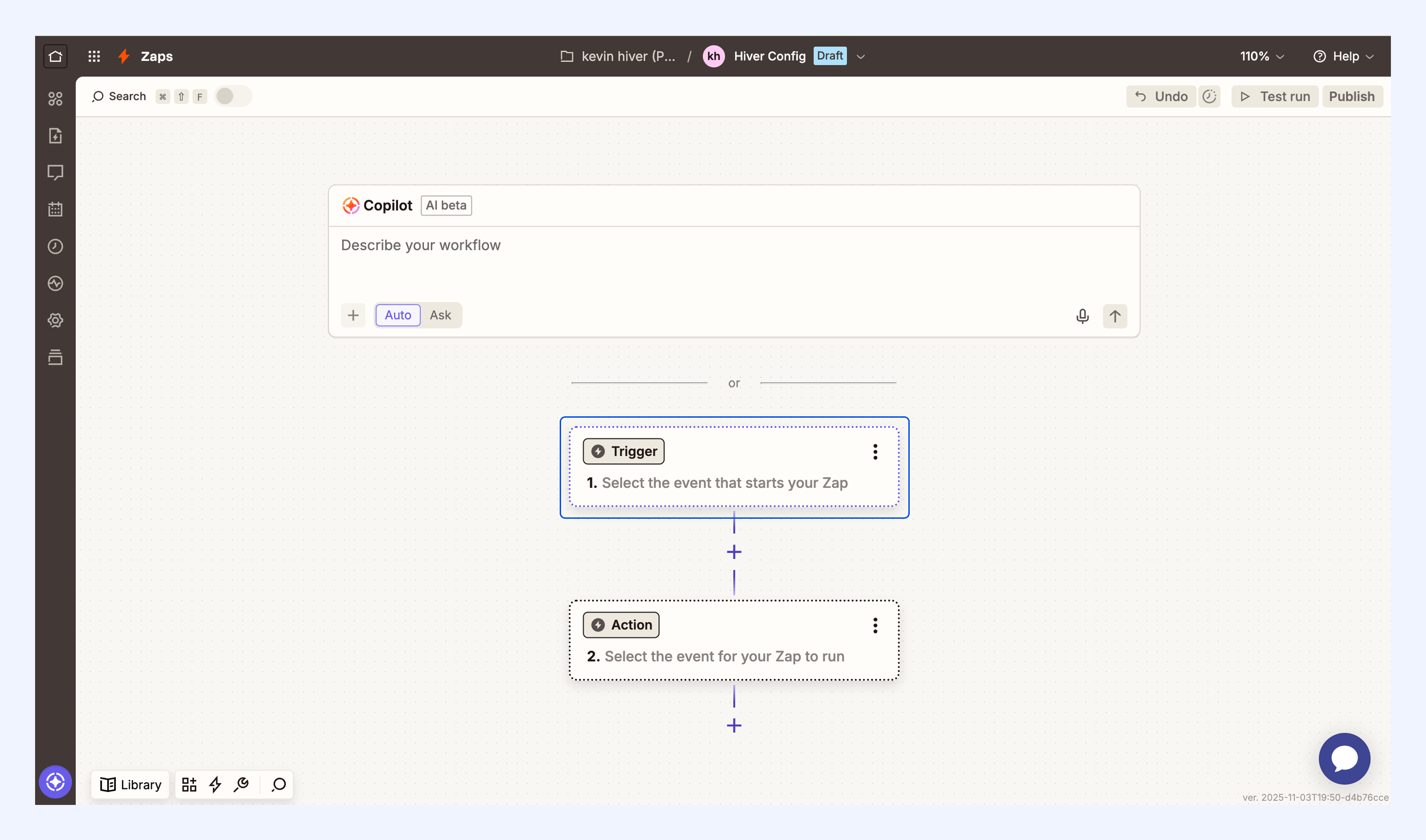
4. Search for Hiver and select it.
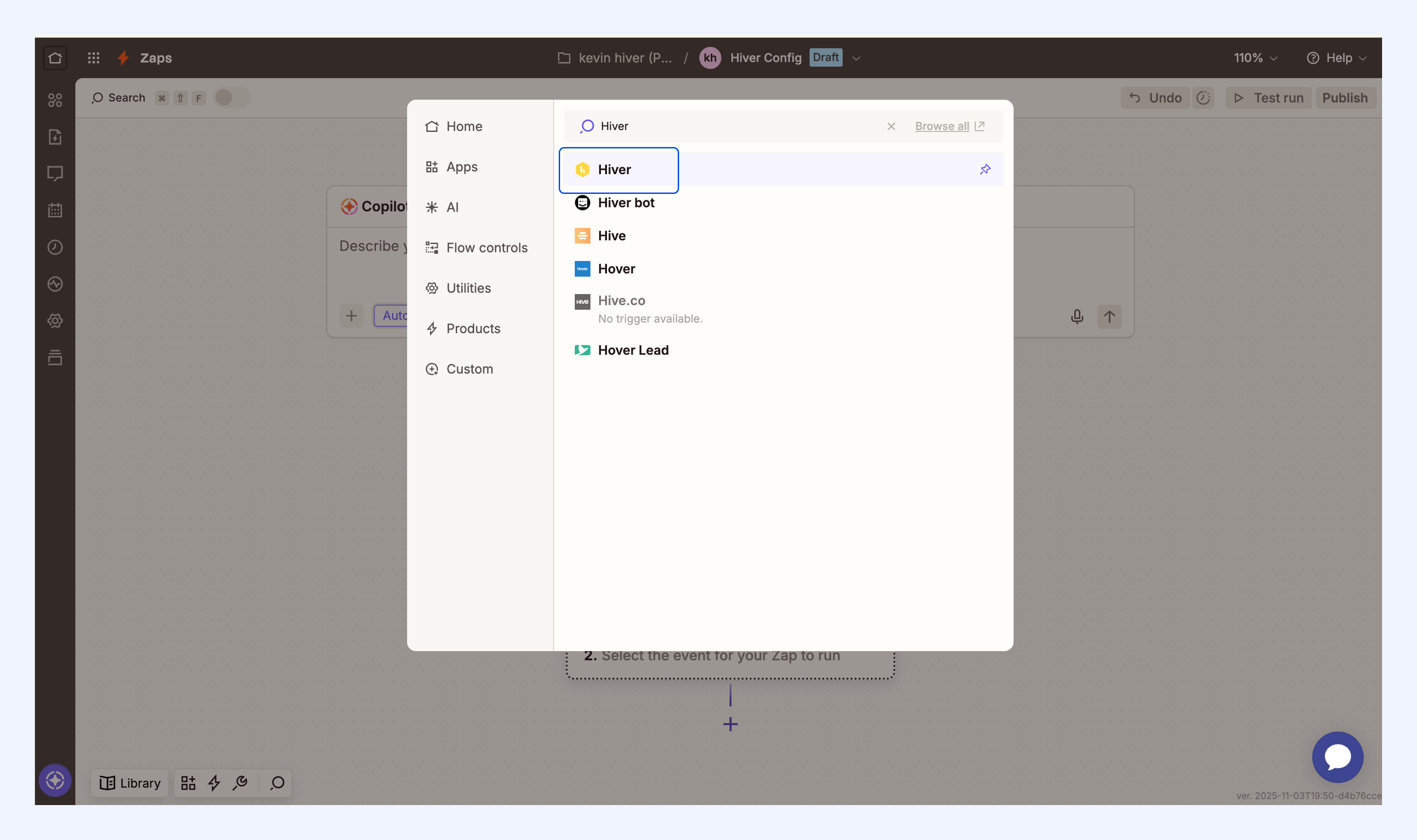
5. Choose Sign in.
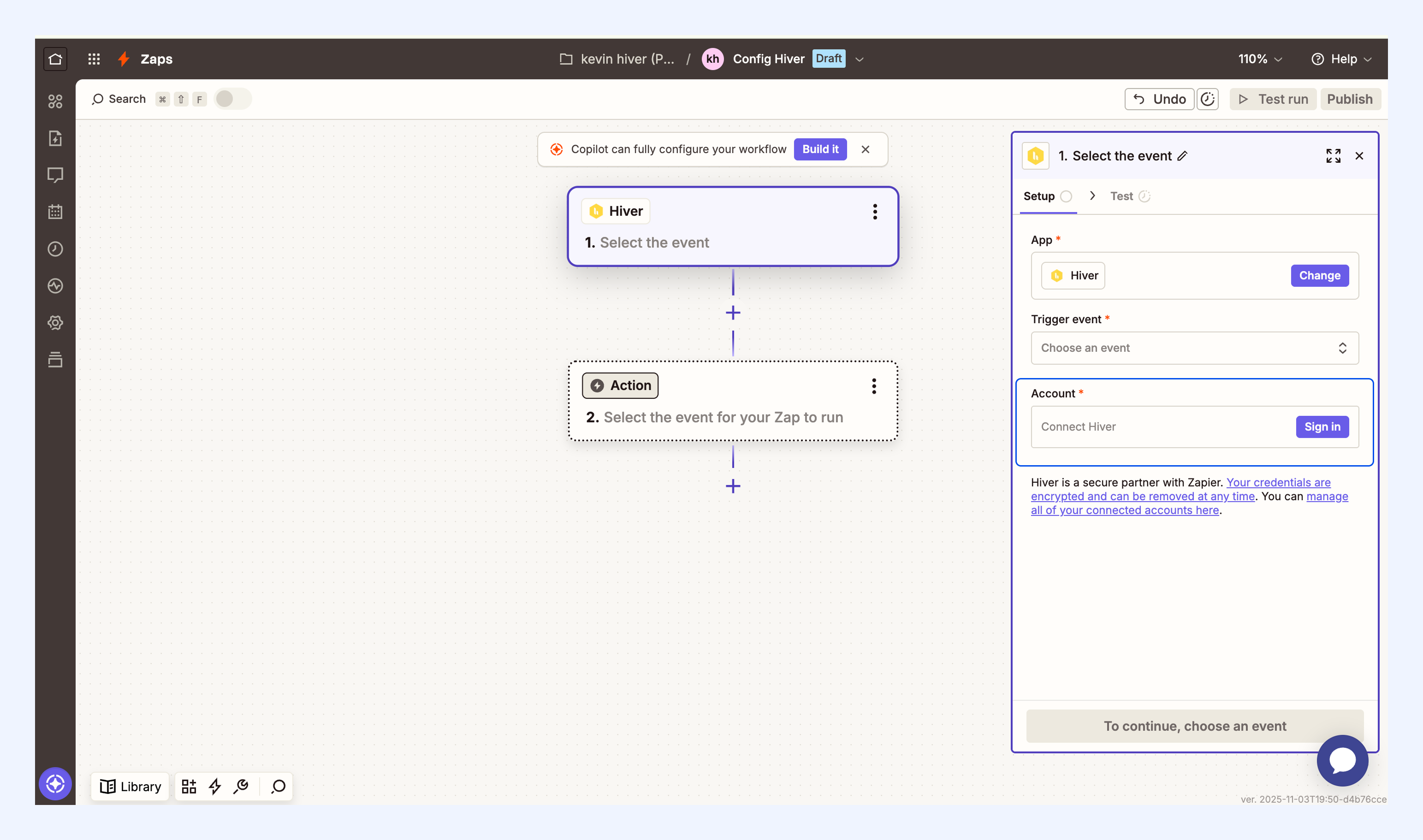
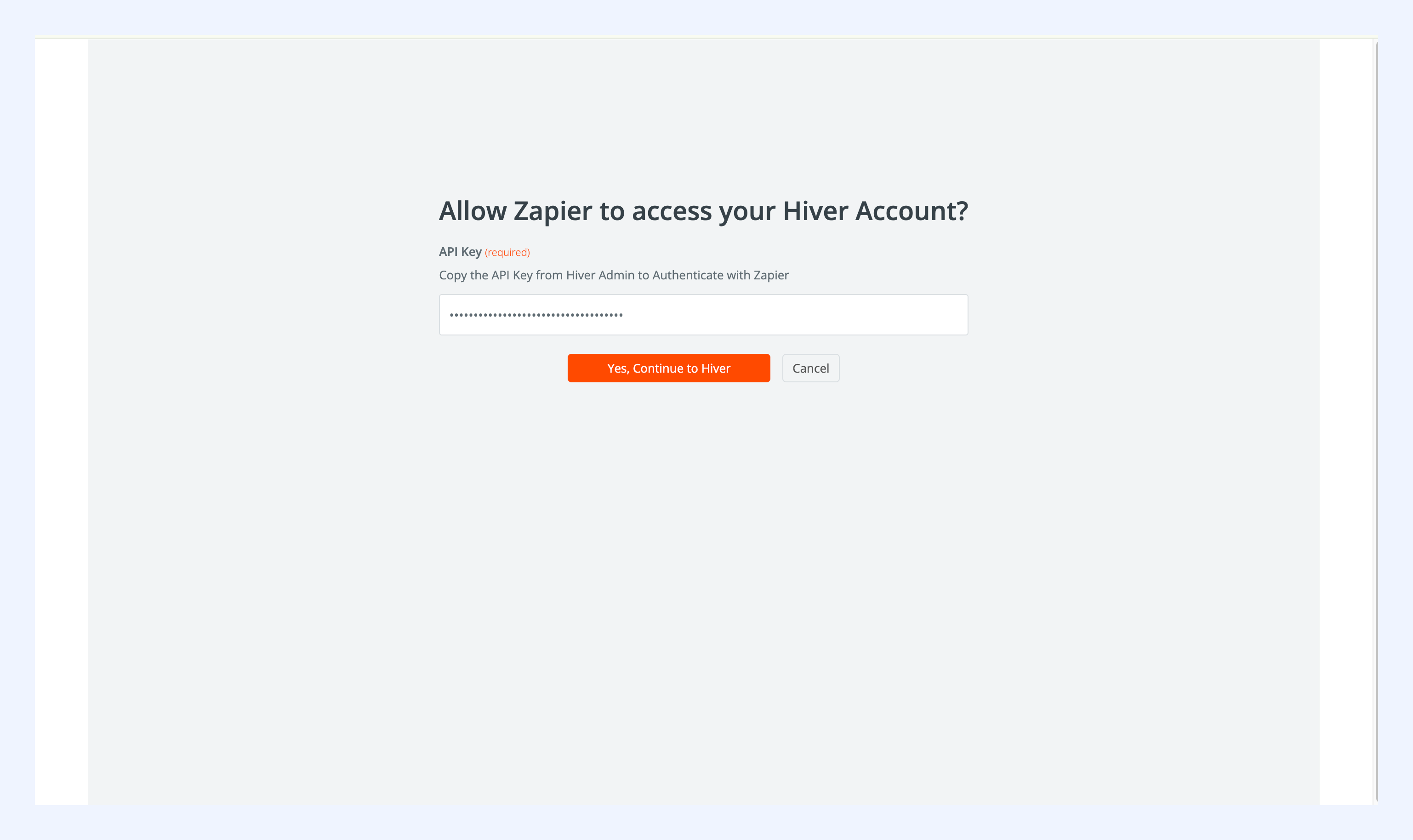
6. Paste the API key you copied from Hiver.
7. Confirm by selecting Yes, Continue to Hiver.
Your Hiver account will now be available to use in Zapier.
Available triggers in Zapier
| Trigger | What It Detects |
| New inbound conversation | A new conversation arrives in a Shared Inbox |
| New outbound conversation | A conversation is sent from a Shared Inbox |
| Email sent or received | Any email sent from or received into a Shared Inbox |
| New note added | A note is added to a shared conversation |
| SLA: First response breached | A first-response SLA policy is missed |
| SLA: Resolution time breached | A resolution SLA policy is missed |
| New CSAT response | A customer satisfaction rating is submitted |
| Conversation updated | Status, assignee, or tags change on a conversation |
Note: Hiver automations run first, so conversation details (assignee, tags, status) may update before the Zap triggers. Learn more about automations.