Slack Hiver Integration
Connect Hiver directly with Slack to receive instant updates about your Shared Inboxes. The native integration ensures your team stays informed on key activities without switching between tools.
Prerequisites
Before setup, ensure that:
- You have Admin access in Hiver.
- You have access to the Slack workspace where Hiver will be connected.
- You know which Shared Inbox you want to integrate.
Accessing the Integration
1. Go to Hiver settings → Admin Panel → Integrations → Apps.
2. Locate and select Slack from the list of integrations.
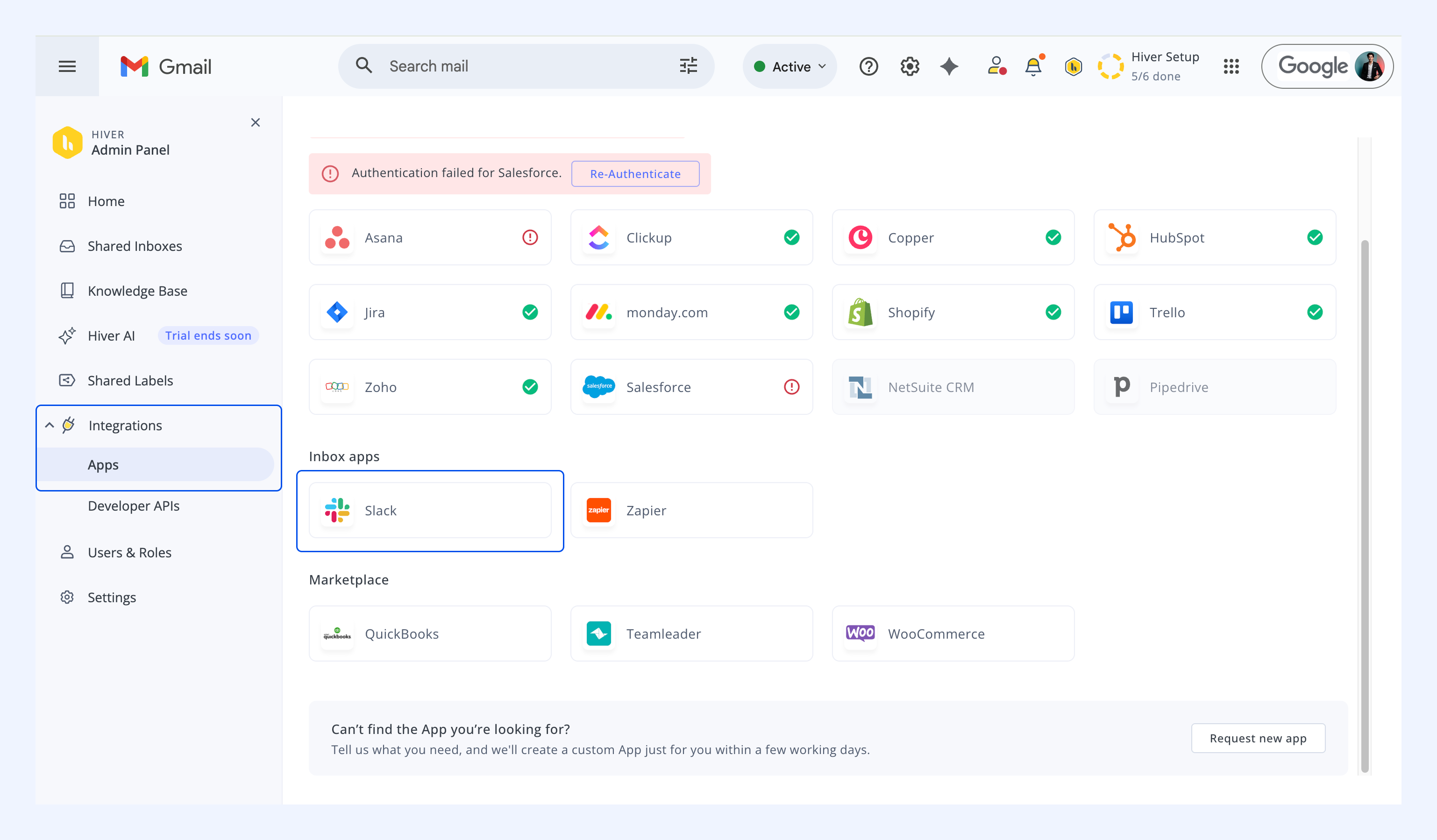
Connecting Slack
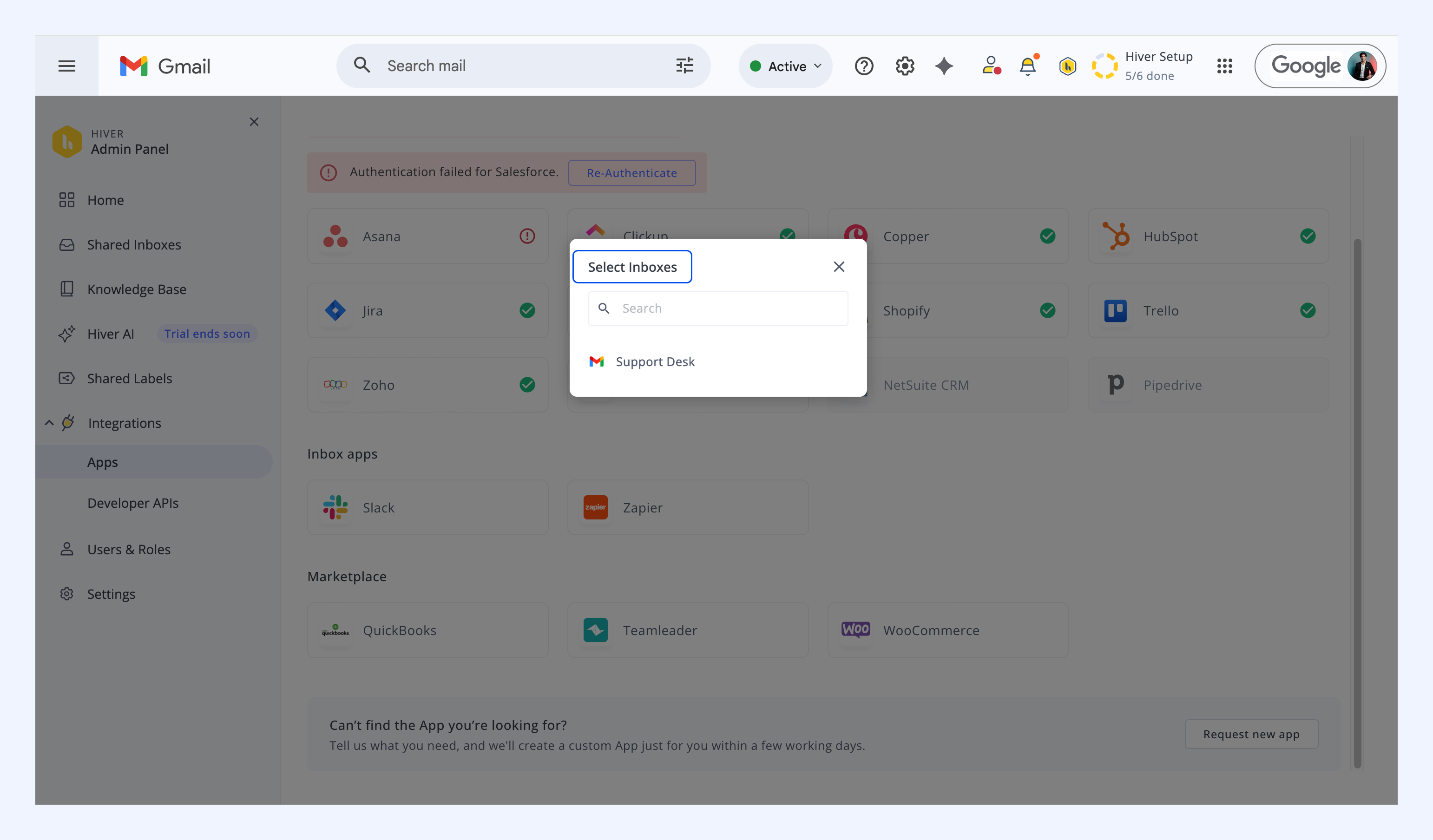
1. Click the Slack app. You’ll be prompted to select the Shared Inbox you want to connect.
- This defines which inbox activity sends notifications to Slack.
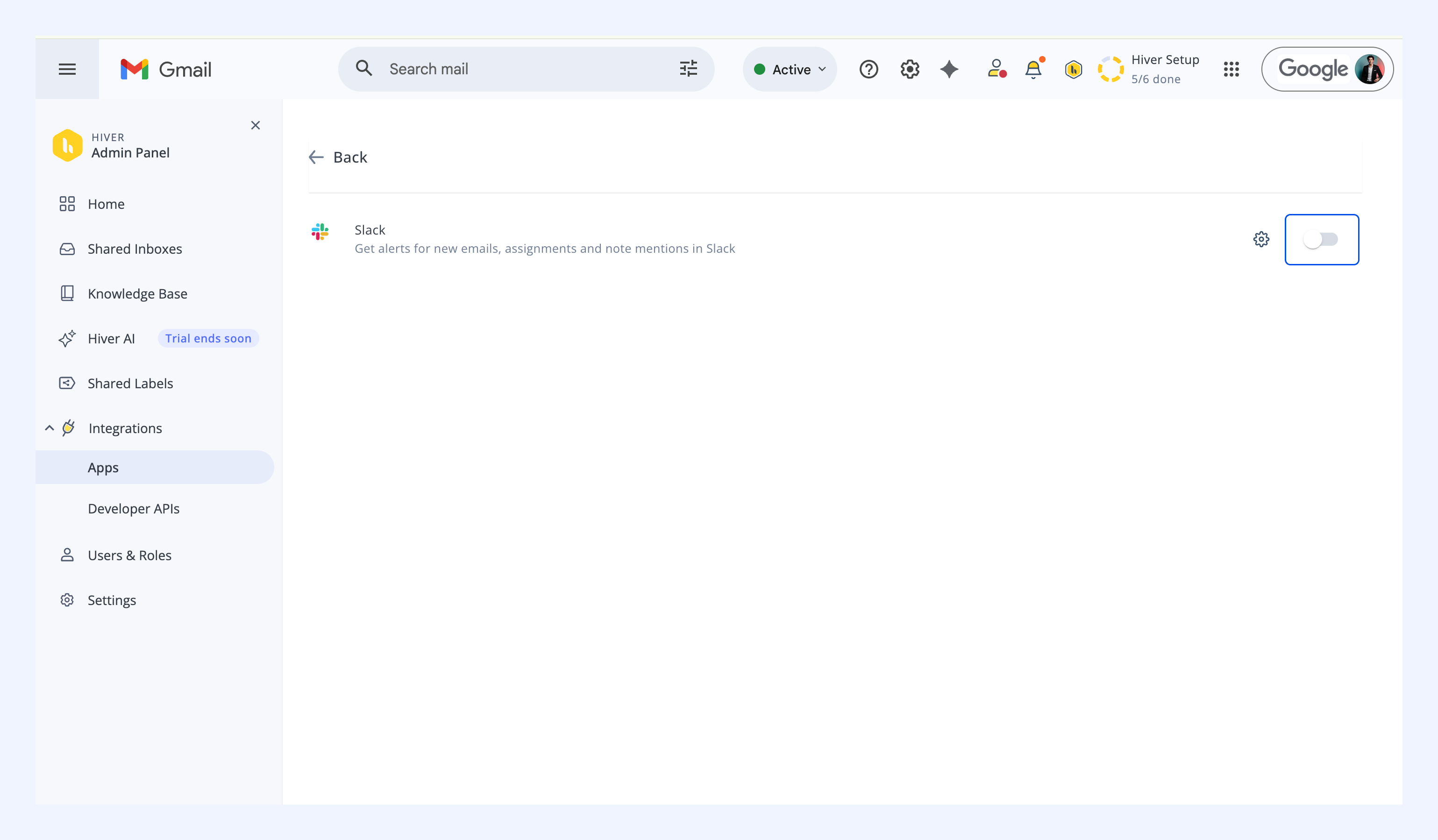
2. Next, turn on the toggle to connect your Slack account.
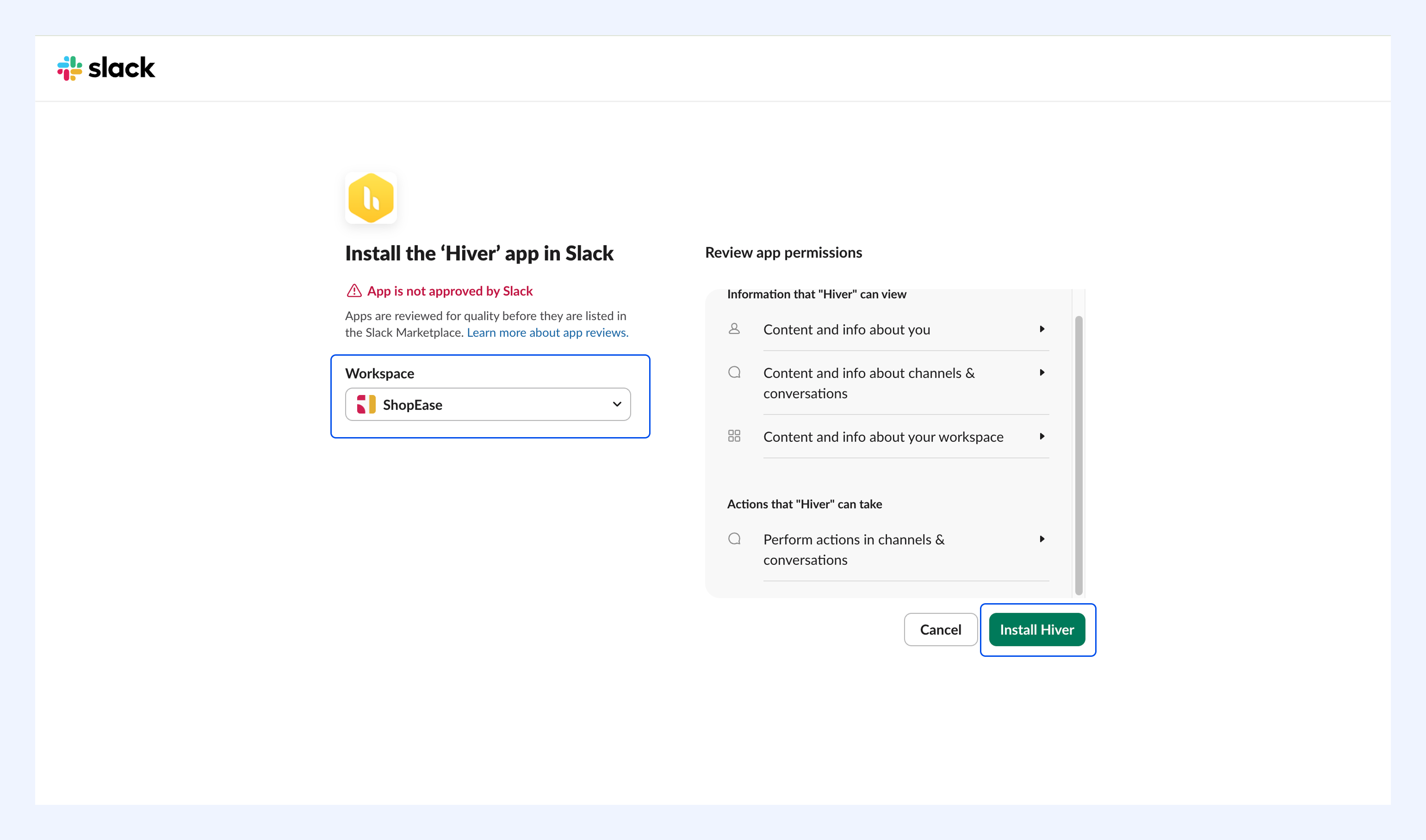
3. Sign in to your Slack workspace in the new tab.
4. Select your Workspace and click Install Hiver.
Configuring notifications
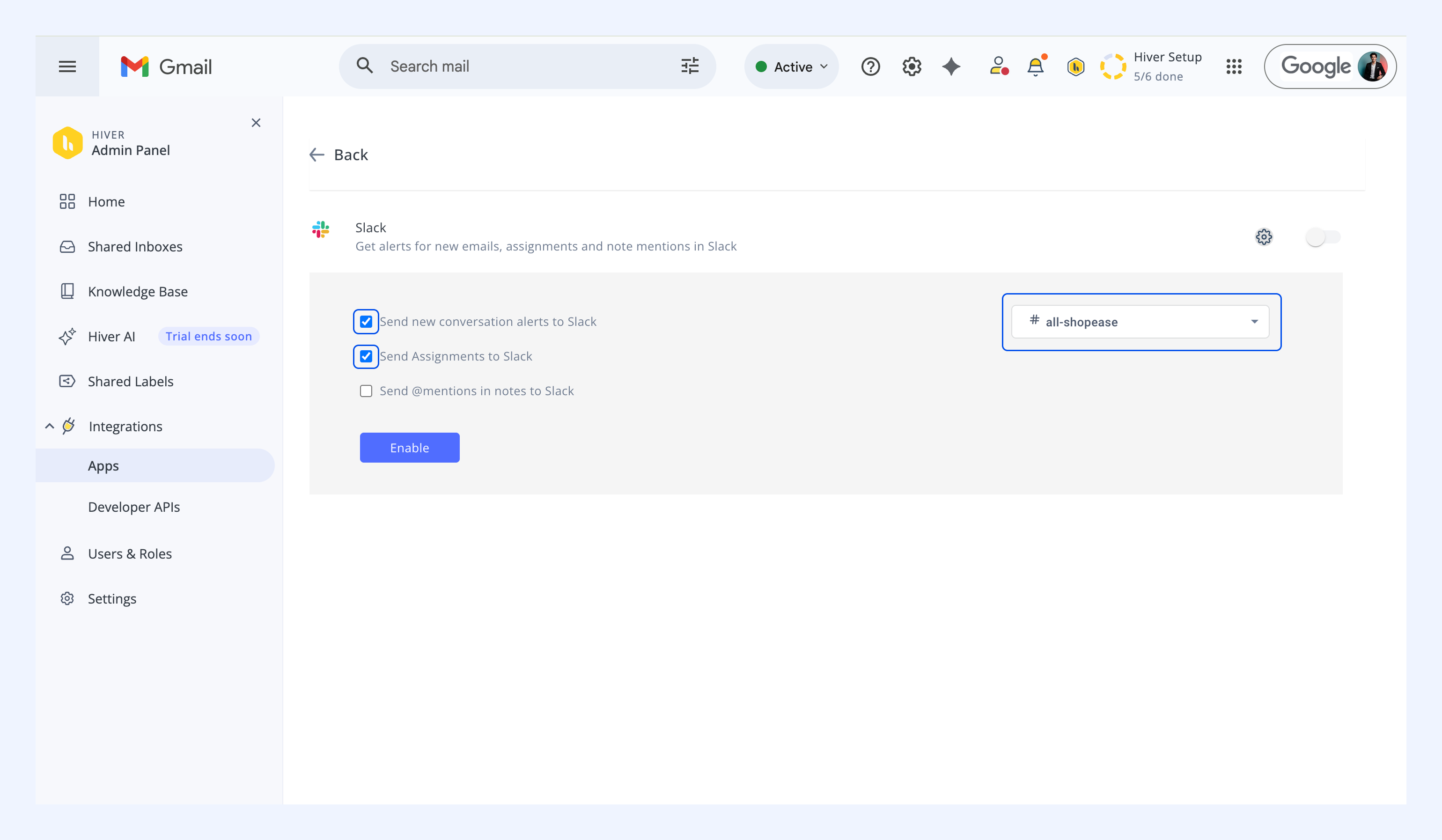
Once connected, choose which updates you want sent to Slack:
- New conversations
- Assignments
- @Mentions in notes
Use the Select Slack Channel dropdown to decide where notifications appear.
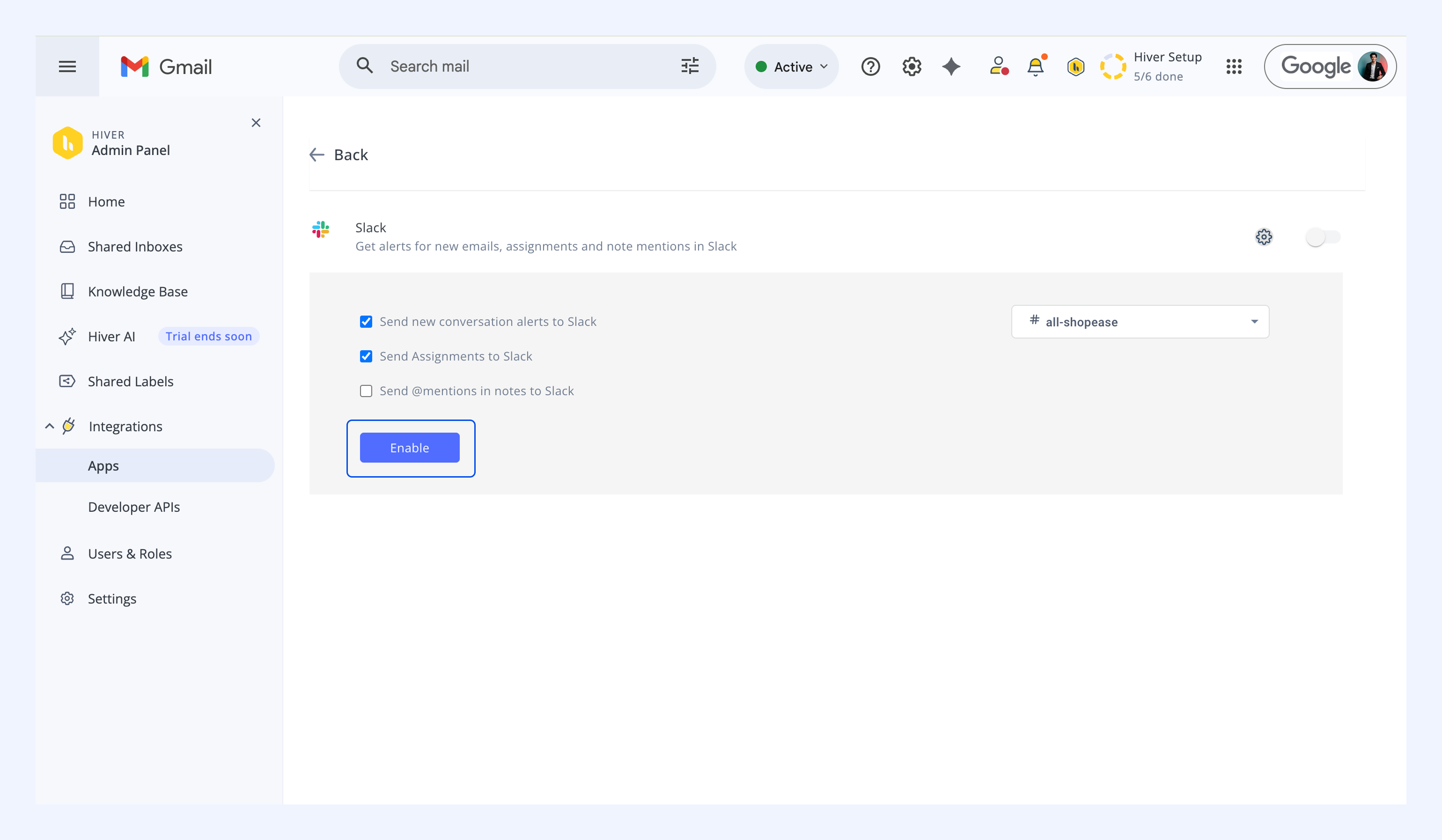
After selecting preferences, click Enable.
Related articles