Contacts report
Hiver’s Contacts report help you understand how customers engage with your team — at both the company and individual contact level. With this reports, you can:
- See which companies or contacts drive the most conversations, so you can prioritize accounts and allocate resources wisely.
- Measure response and resolution times per contact to uncover opportunities to improve CSAT.
- Spot patterns in customer interactions to coach team members, balance workloads, and strengthen relationships.
Definitions
- Company: A customer organization, grouped by domain (for example, @acme.com).
- Contact: An individual person (unique email address) who interacts with your team.
Views in the Contacts report
To access the contacts report, go to Analytics → Reports → select your Shared Inboxes → Contacts.
In the overview of the Contacts report, you can see how conversations are distributed by companies and by individual contacts:
- Active conversations: Conversations where at least one email was sent or received during the selected reporting period.
- New conversations: Conversations that were started or manually added to the Shared Inboxes during the selected reporting period.
- Resolved conversations: Conversations that were closed during the reporting period and not reopened later.
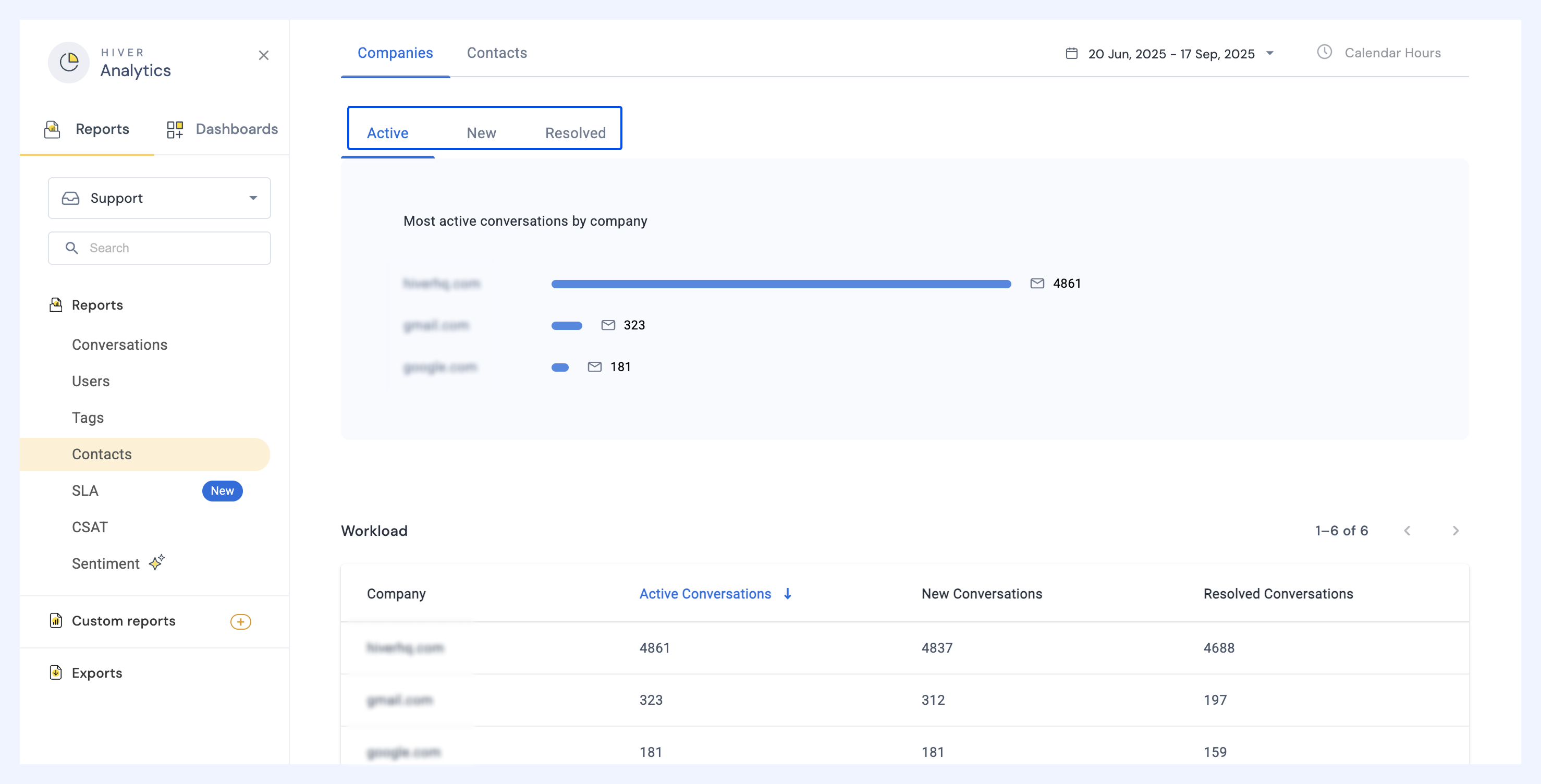
Companies
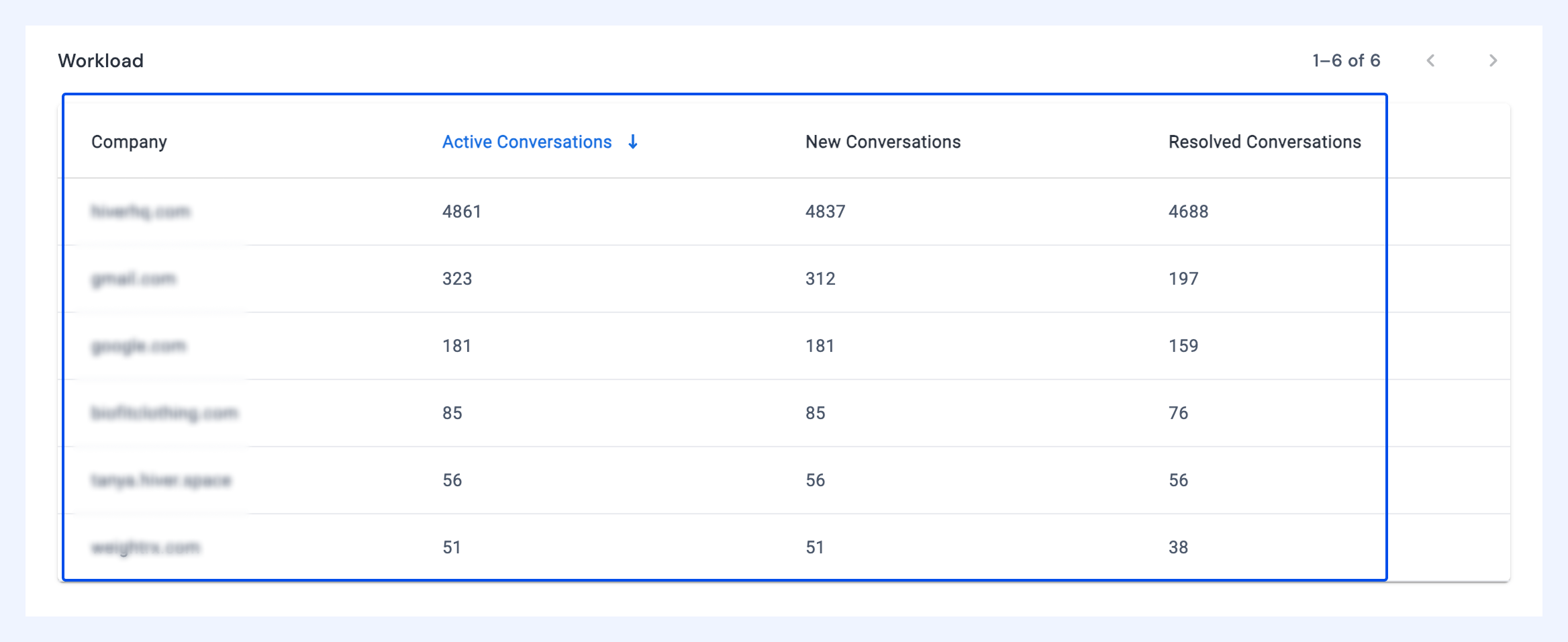
Workload
This section shows the number of New, Active, and Resolved conversations by company. You can sort results by conversation type.
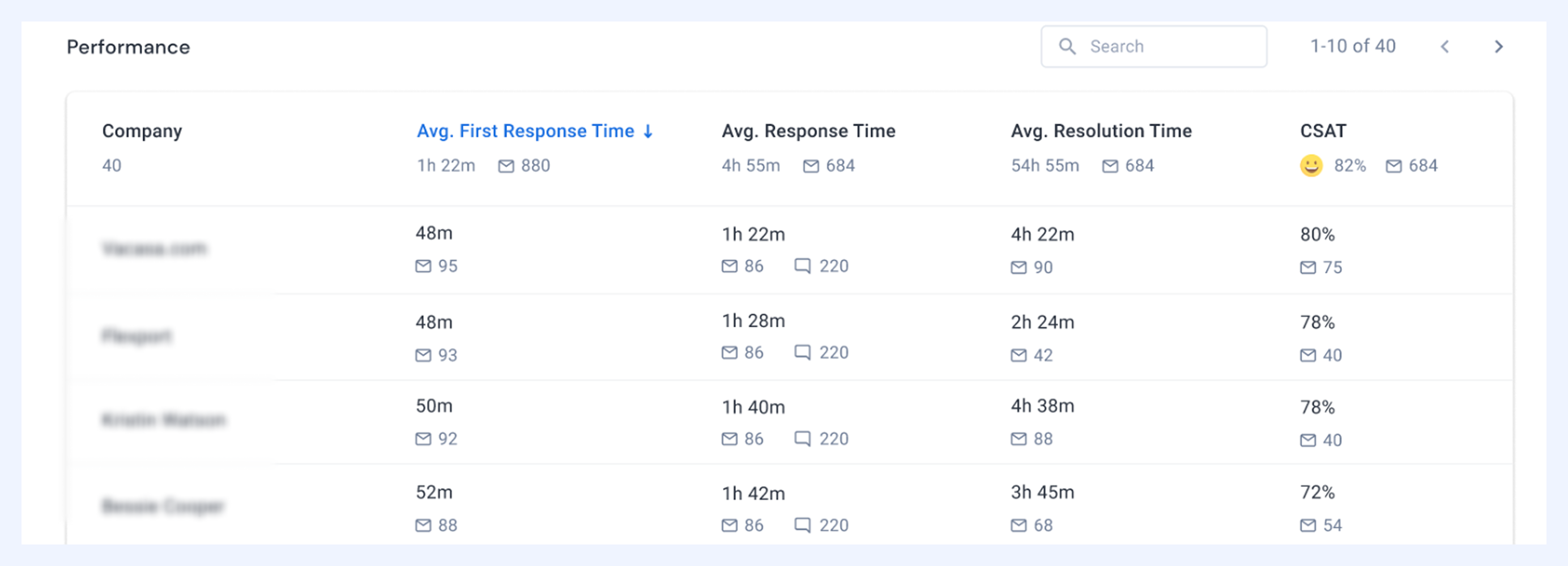
Performance
This section covers the following metrics for conversations with each company during the reporting period:
- First response time: How long it takes to send the first reply.
- Response time: The average time it takes to reply to messages.
- Resolution time: How long it takes to fully resolve conversations.
- CSAT: The percentage of satisfaction ratings received.
Contacts
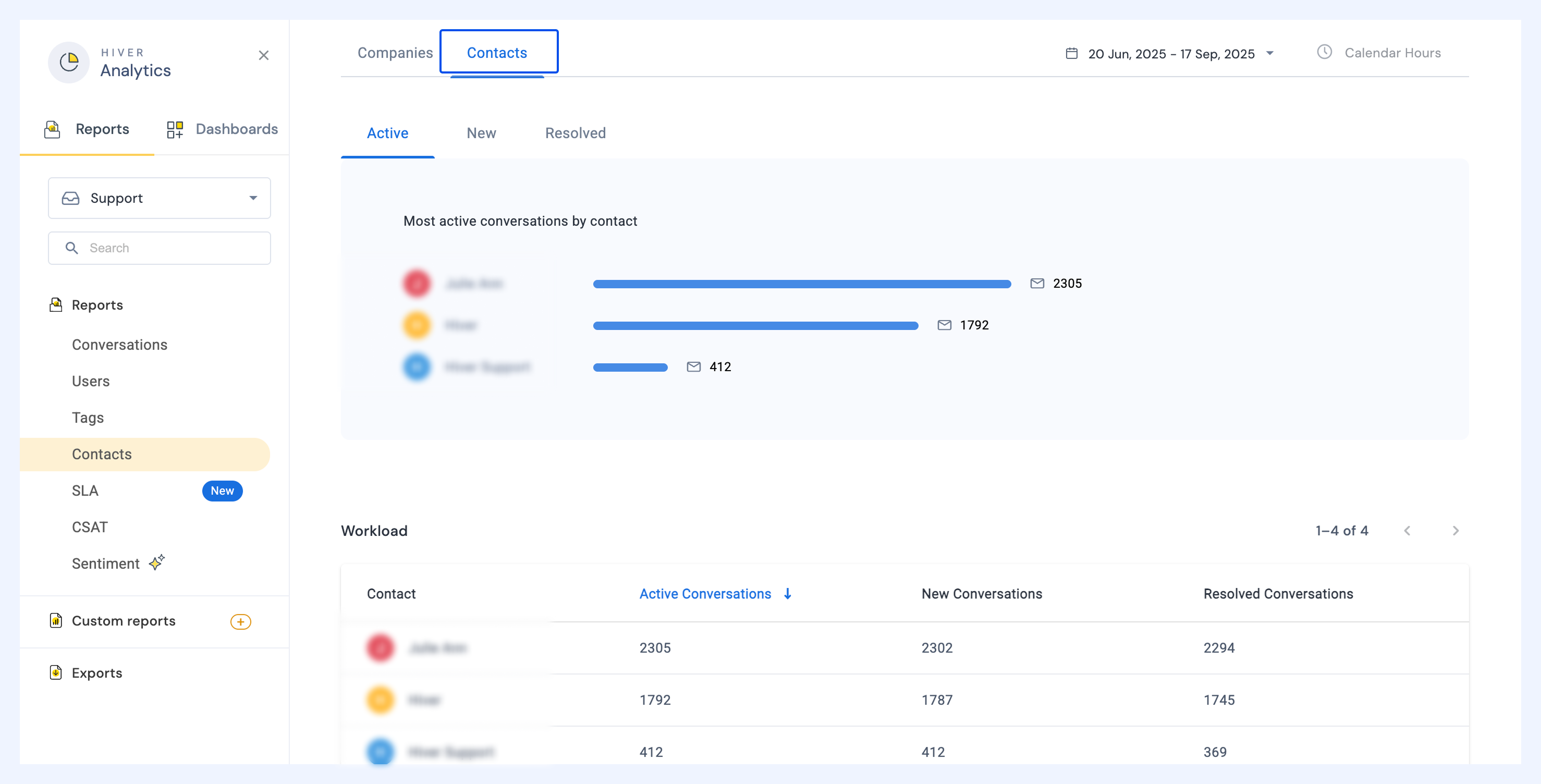
Workload
This section shows the number of New, Active, and Resolved conversations by contact. You can sort results by conversation type.
Performance
This section covers the following metrics for conversations with each contact during the reporting period:
- Average first response time: How long it takes to send the first reply.
- Average response time: The average time it takes to reply to messages.
- Average resolution time: How long it takes to fully resolve conversations.
- CSAT: The percentage of satisfaction ratings received.
Note: The first row of the table displays the average value for each metric across all contacts.
Analyze the report
Click a company or contact in the table to open a detailed view.
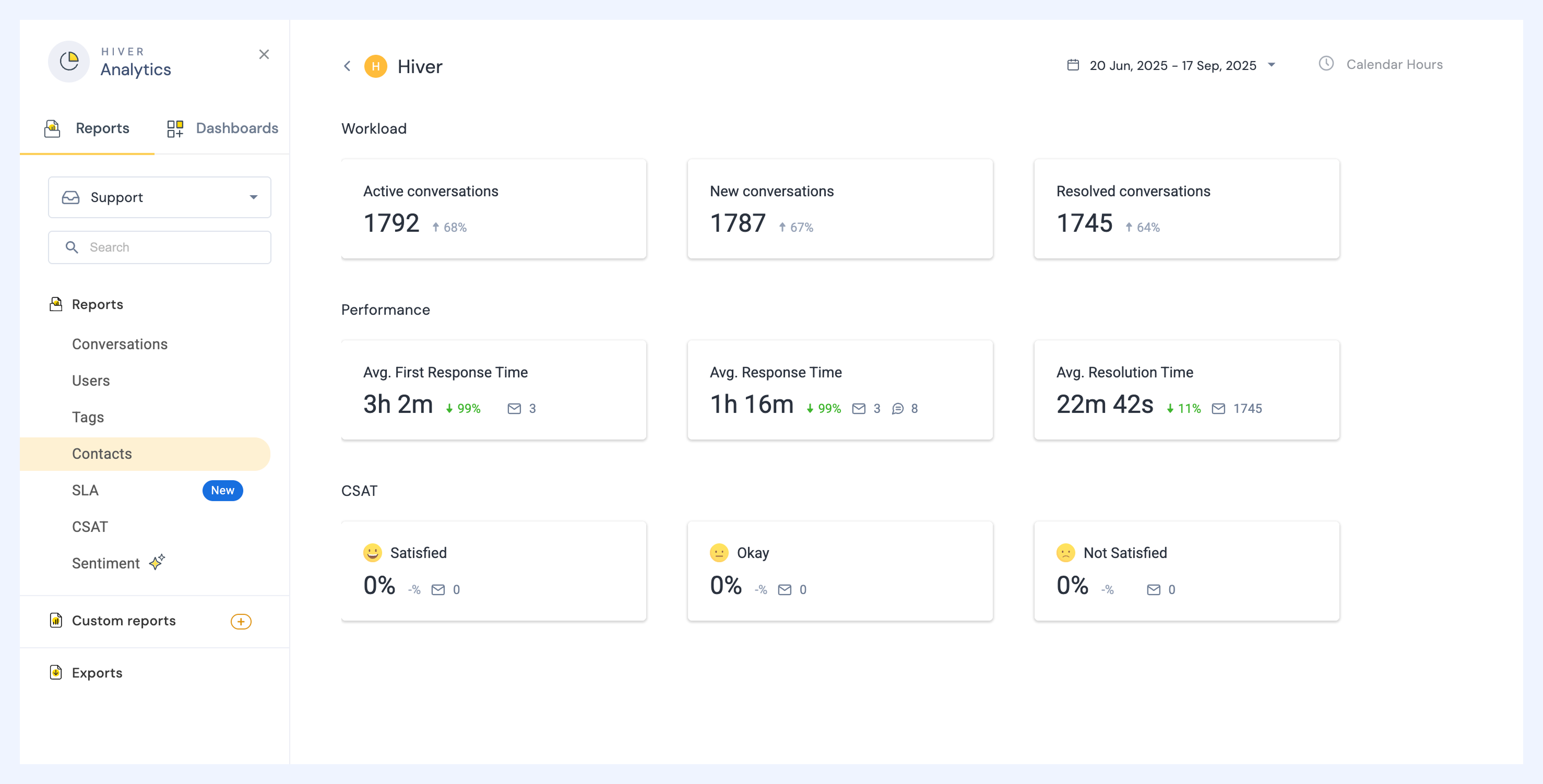
You’ll see three sections:
- Workload: Includes Active conversations, New conversations, and Resolved conversations.
- Performance: Includes Average first response time, Average response time, and Average resolution time.
- CSAT: Includes satisfaction ratings for conversations.
Explore associated conversations
Click any metric (for example, Average response time or CSAT) to see the conversations contributing to it, along with details like created at date, assignee, and status.