Slack report
Hiver's Analytics gives you a clear picture of how your team is handling conversations in your Slack Inbox. You can track volume, monitor response times, and review customer satisfaction, all from one place.
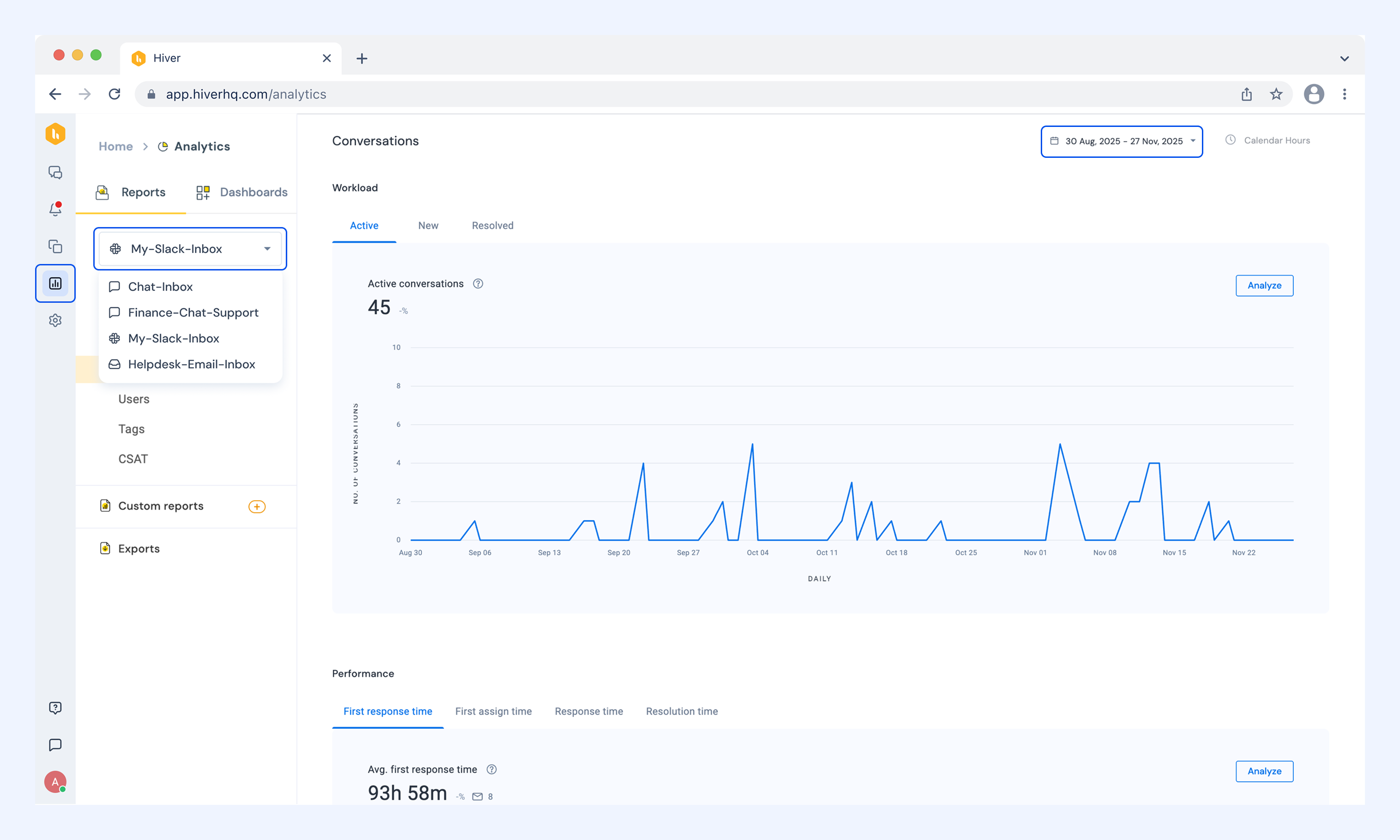
To access Slack reports, go to Analytics and select your Slack Inbox from the dropdown in the Reports tab.
Use the date dropdown to set the time range you want to look at.
Understanding report types
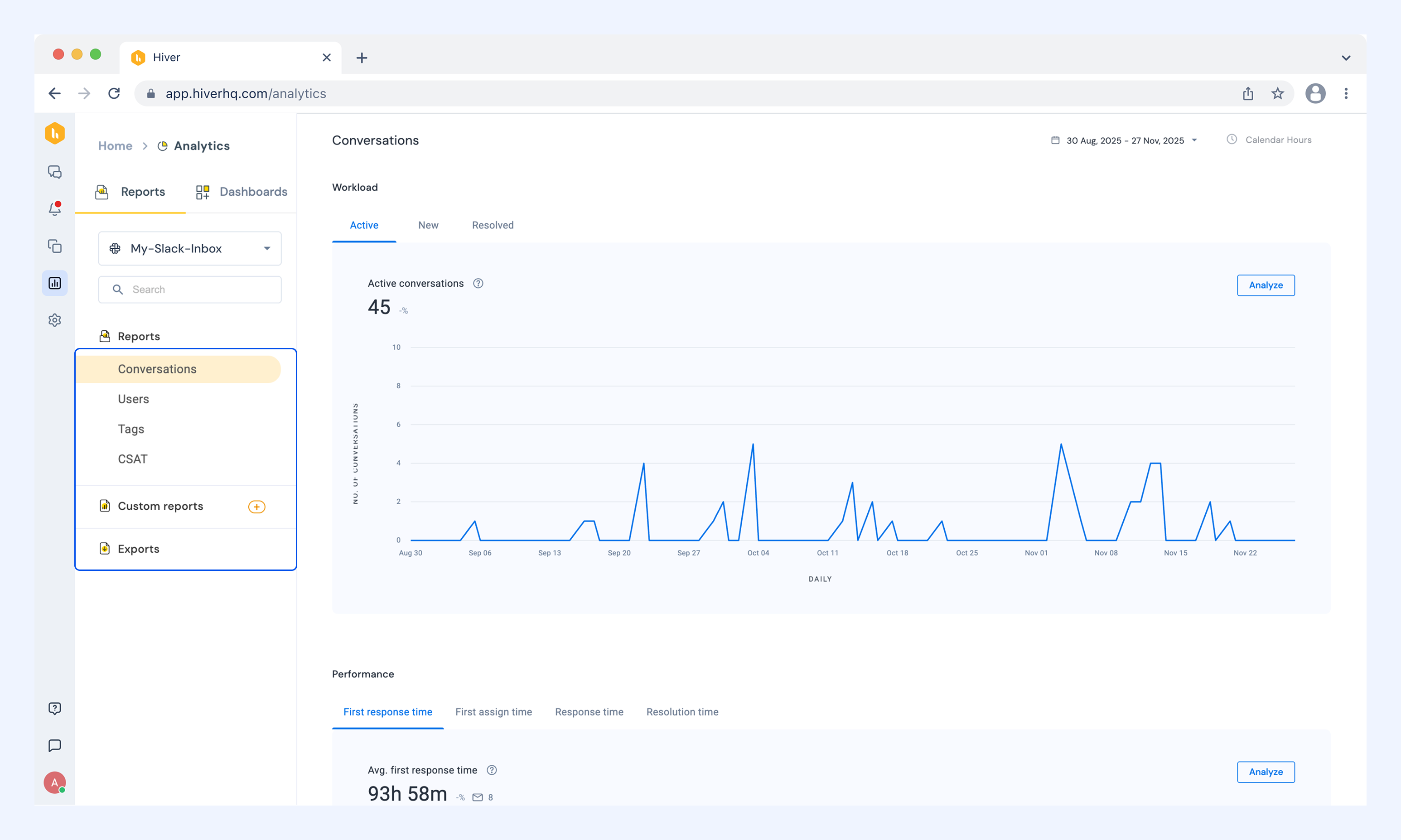
Conversations
See how many conversations your team handled (active, new, and resolved), how fast they responded, and how long it took to close them.
Users
See how individual team members are performing and what they've been working on.
Tags
See how conversations are distributed across your tags and how well they're being handled.
CSAT
Review customer satisfaction scores and feedback to understand how your team is doing.