Using Shared Notes
Hiver allows teams to collaborate with internal members of Shared Inboxes, such as support agents, account managers, or operations leads. Shared Notes lets your team communicate privately within any conversation. You'll find the notes section in each conversation's Activity Panel. You can leave messages, tag teammates using @username, and upload attachments to share context with your team.
Steps to use notes
- Open the email conversation to add a note.
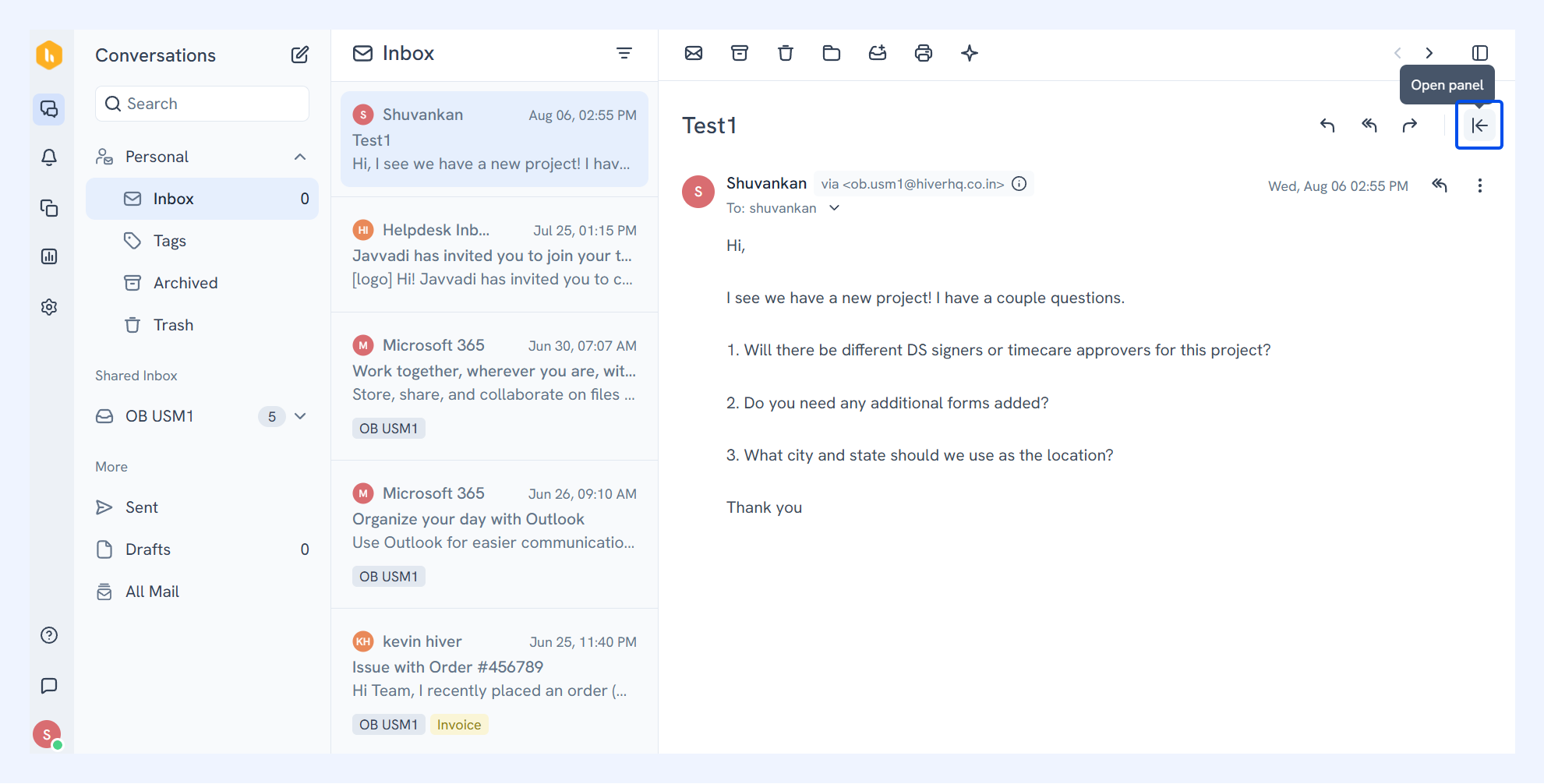
- Click Open panel (arrow icon) on the top right corner.
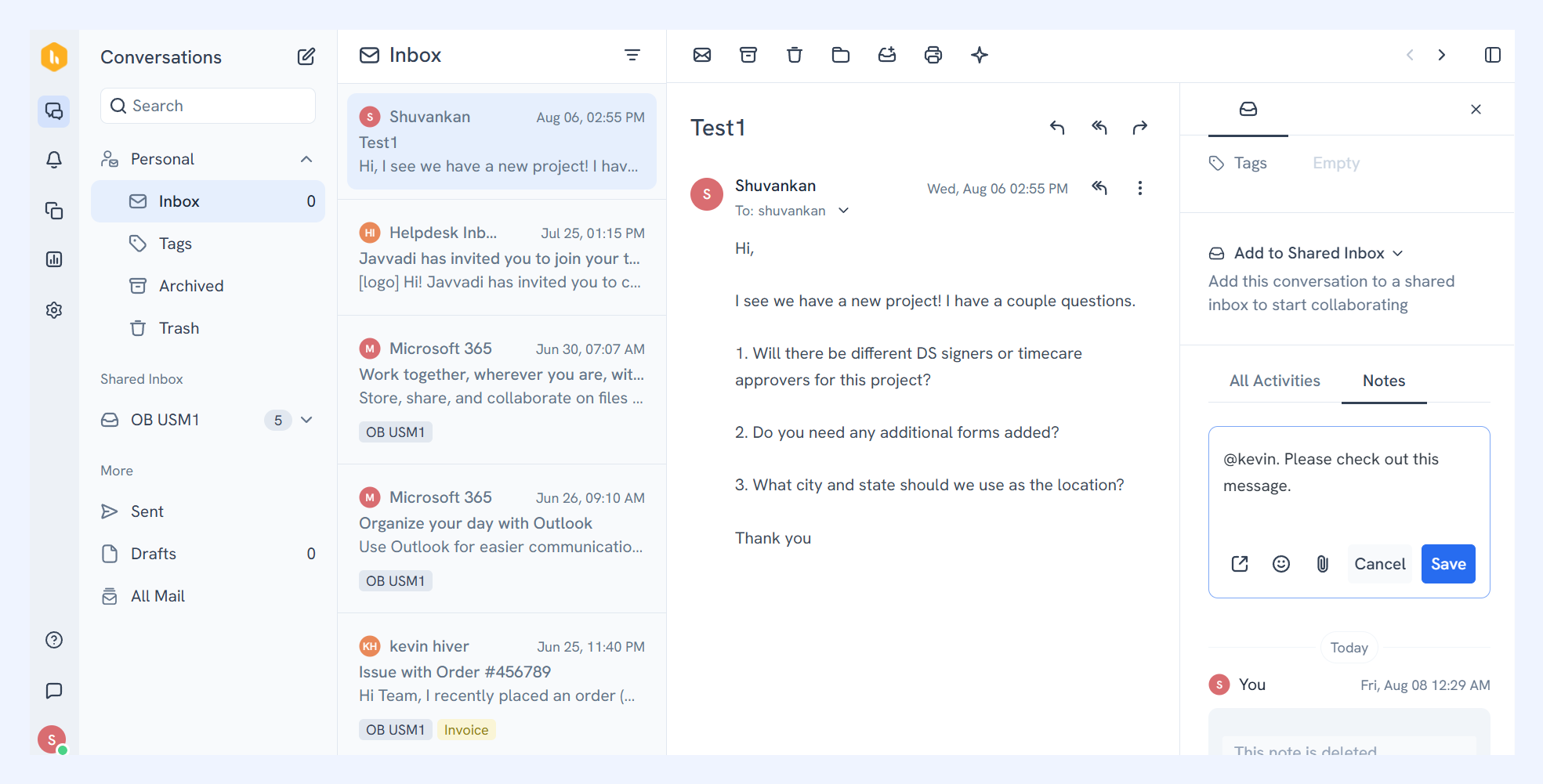
- Hover over the Notes section and leave a message for specific teammates by typing @username in the box.
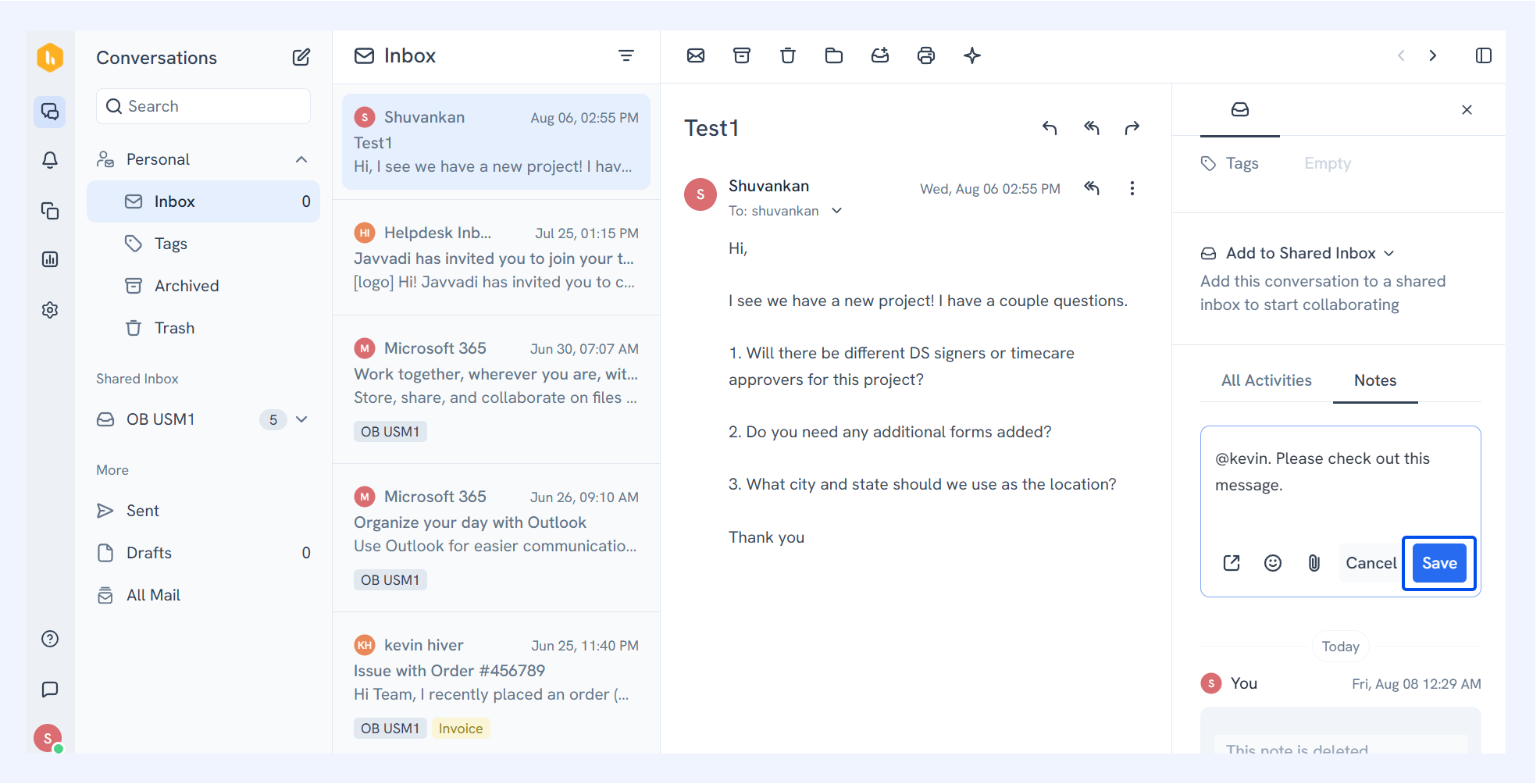
- Click Save to add your note to the conversation.
All the Shared Inbox team members can see and access these notes.
Important: Keep these options in mind when adding notes:
- Tag everyone at once using @all to send notifications to all team members in your Shared Inbox.
- Leave notes without @ mentions to create general comments for future reference.
- Use the reply button to add the note to your response.