Managing SLA policies
As your workflows evolve, you may need to fine-tune how SLAs apply to conversations.
Hiver lets admins edit, reorder, or disable SLA policies anytime without disrupting ongoing work. Any updates you make apply only to new incoming messages, while existing conversations continue to follow their original SLA rules.
This ensures that your customer interactions remain consistent and unaffected by policy changes.
Viewing SLA policies
You can view your SLA policies anytime to review how they’re configured and understand which rules apply to different conversation types.
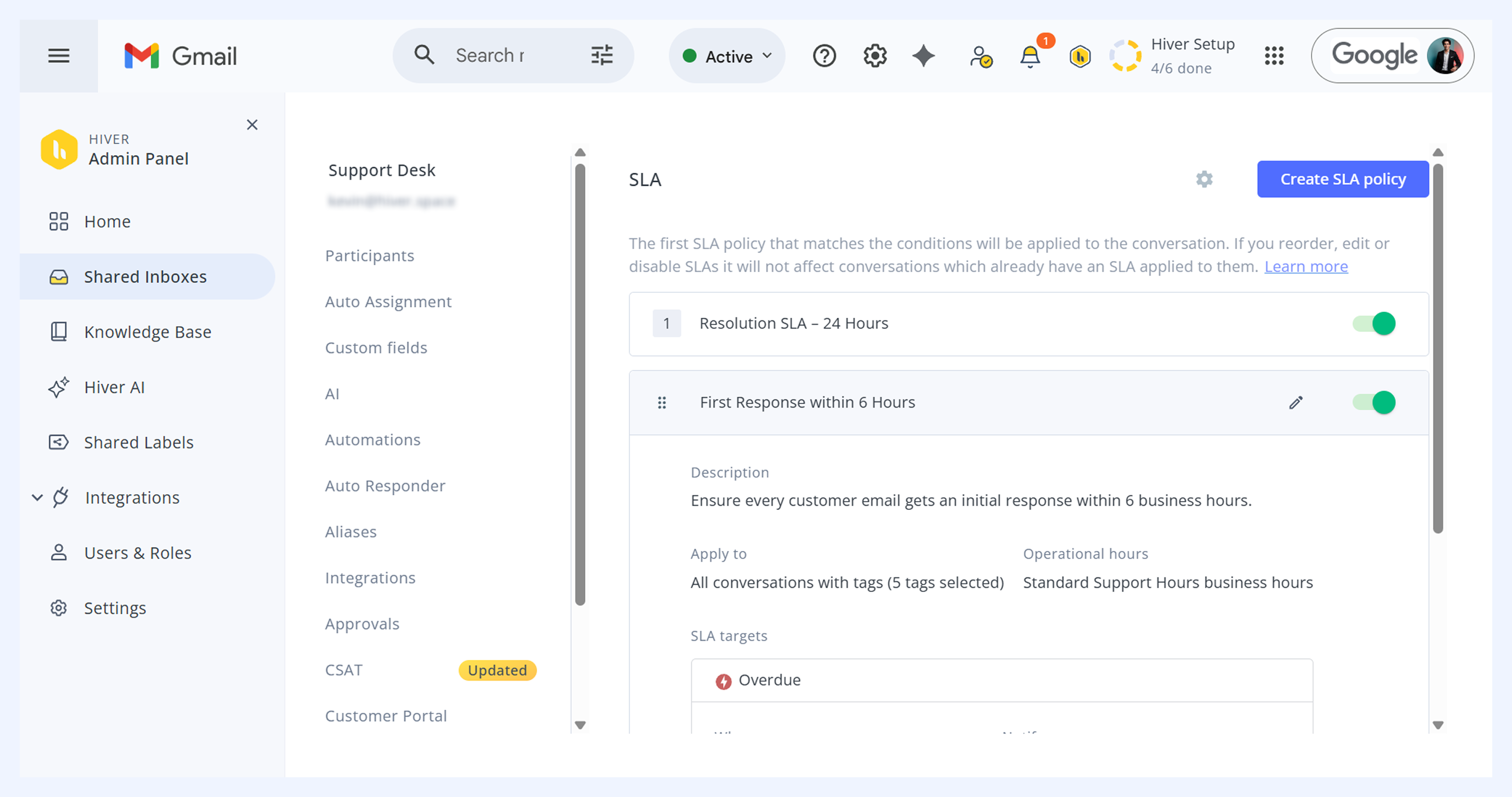
To view your SLA policies,
- Go to Admin panel → Shared Inbox → select an inbox → SLA.
- Click any policy to expand it and see its details, including description, conditions, targets, and notifications.
Ordering SLA policies
Arrange your SLA policies based on their importance in your workflow. This order determines which policy gets applied when a conversation meets multiple criteria.
When multiple policies match a conversation, Hiver applies the highest-ranked one in your list. You can reorder policies to decide which one takes priority.
Each SLA policy shows a number indicating its current rank.
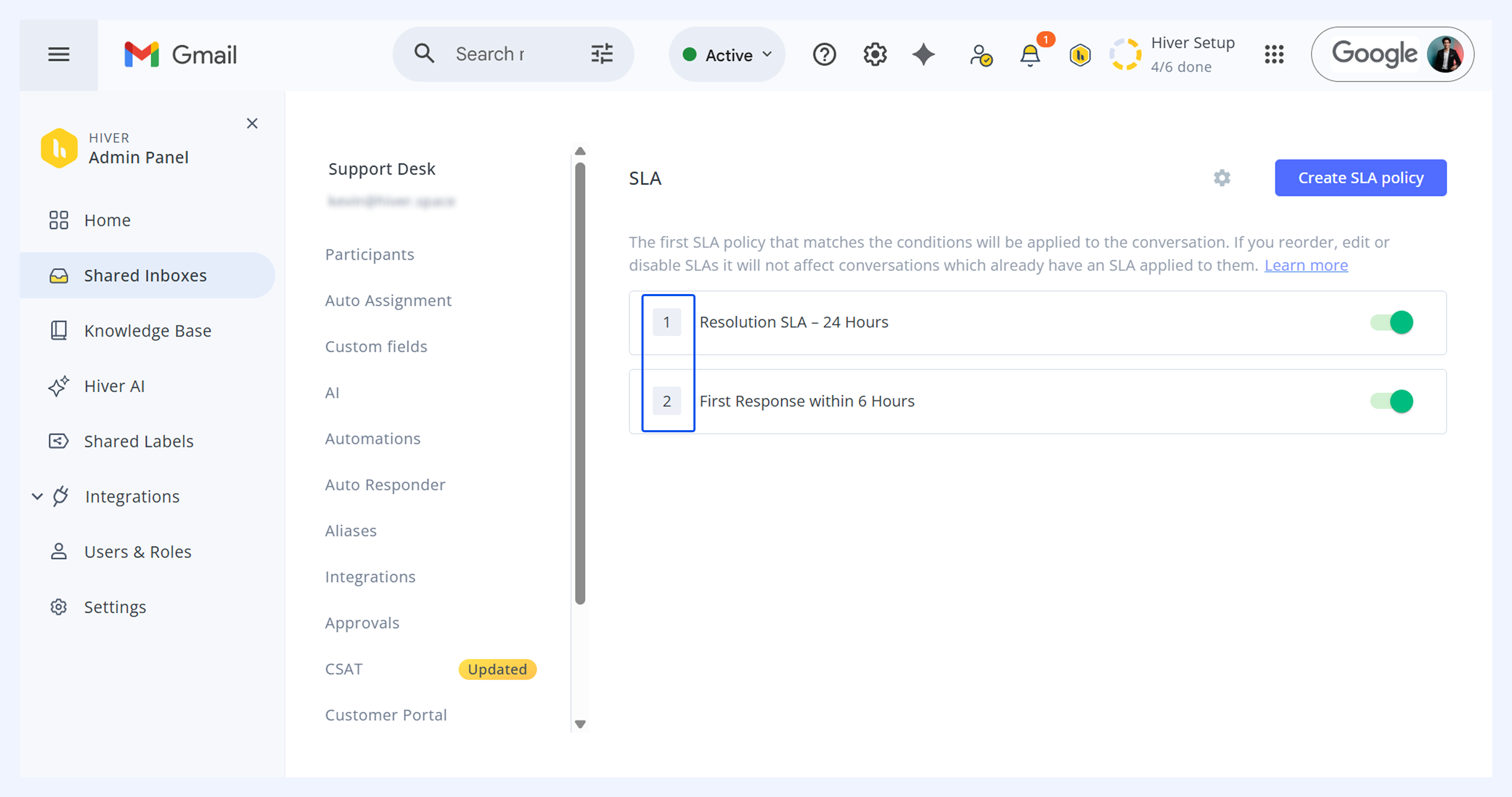
To reorder policies,
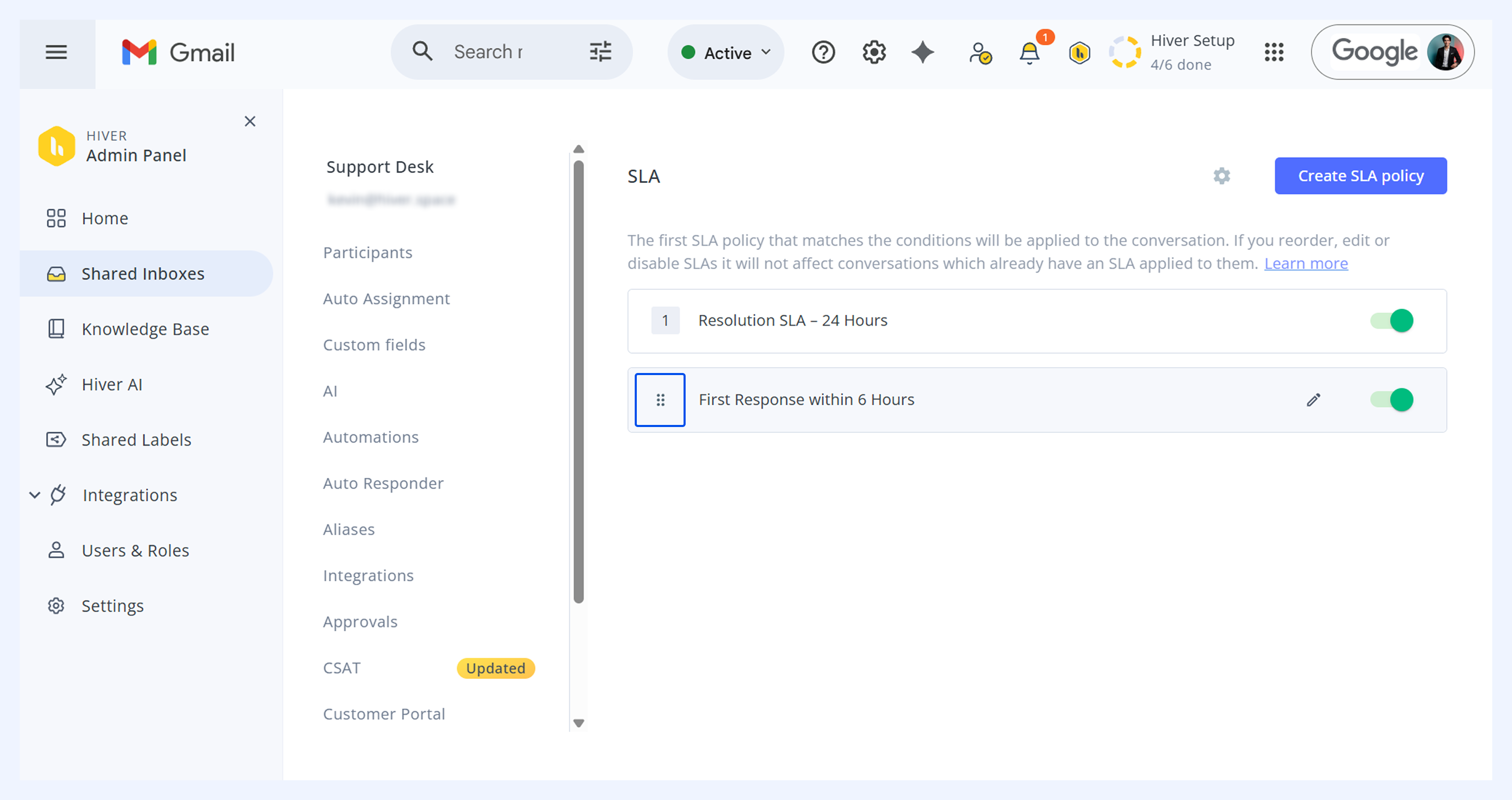
- Hover over the policy number to see the six-dot icon.
- Select the icon beside the policy name and drag and drop to change the order.
Note:
- Policies appear in priority order and the first matching policy will be applied to a conversation.
- New policies automatically appear at the bottom of the list, allowing you to place them appropriately among existing ones.
Modifying SLA policies
You can edit or disable your SLA policies based on your changing business needs.
- To edit a policy, hover over it and click the pen icon. Make your changes and click Update SLA policy.
- To disable a policy, and use the toggle to turn off the feature.
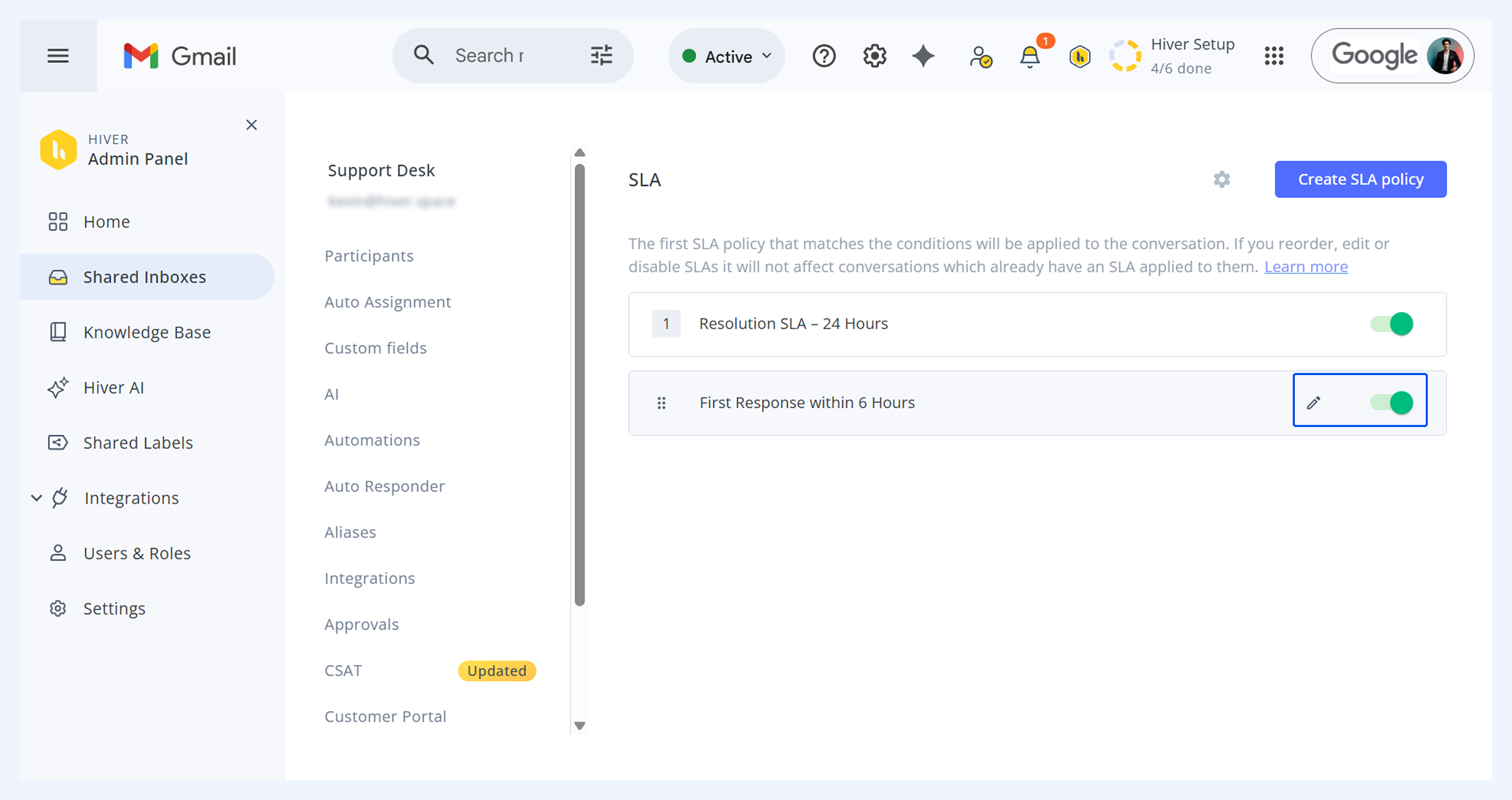
Note: You can edit disabled policies without enabling them first, but they'll activate once you save changes. All new and edited policies are enabled by default.
Related articles
How SLA timers and breach alerts work (Agent guide)