Enabling push notifications for chats
Stay updated on new chats even when you’re away from your desk. The Hiver Chat mobile app sends push notifications whenever there’s a new chat assignment or a new message in chats assigned to you, so you never miss an important update.
Note: Chat Inbox is a legacy feature and is only available to customers who signed up before May 18, 2026.
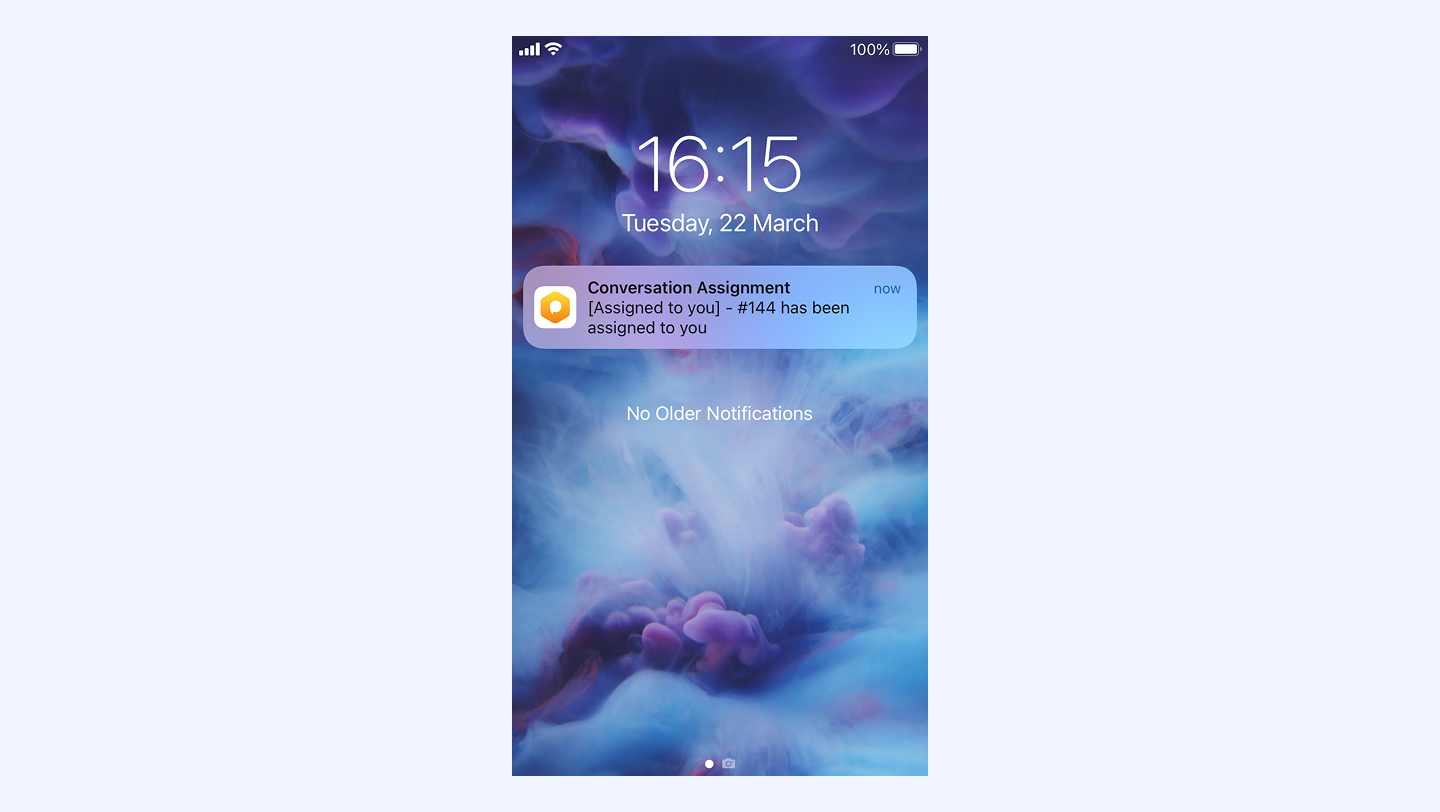
Enable push notifications
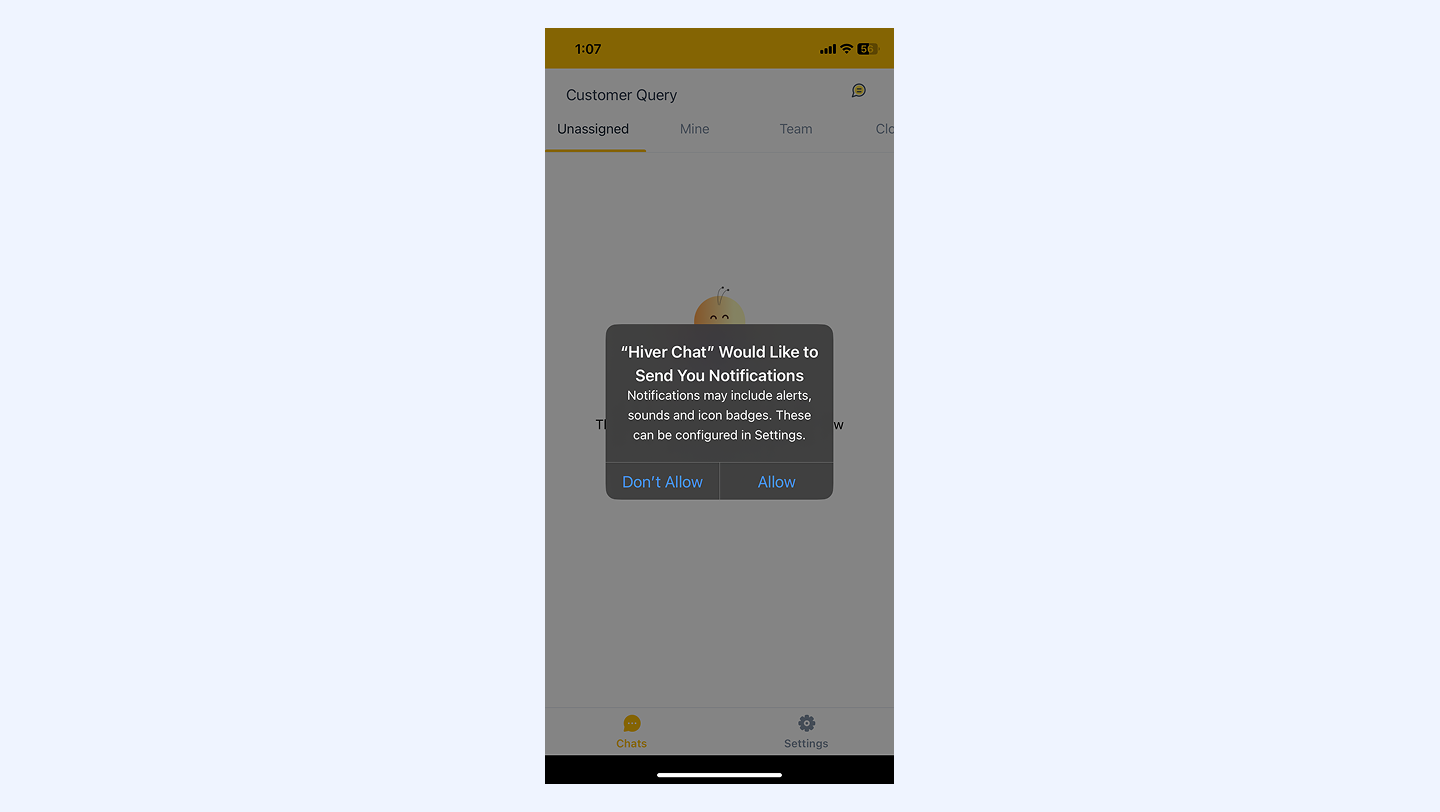
When you install the Hiver Chat app for the first time, you’ll be asked whether you want to receive notifications.
Select Allow to start receiving chat alerts right away.
Notification settings
To choose your preference for notifications:
1. Go to Settings at the bottom right of your chat app.
2. Click Notification preferences.
3. Select your preferences and hit Save.
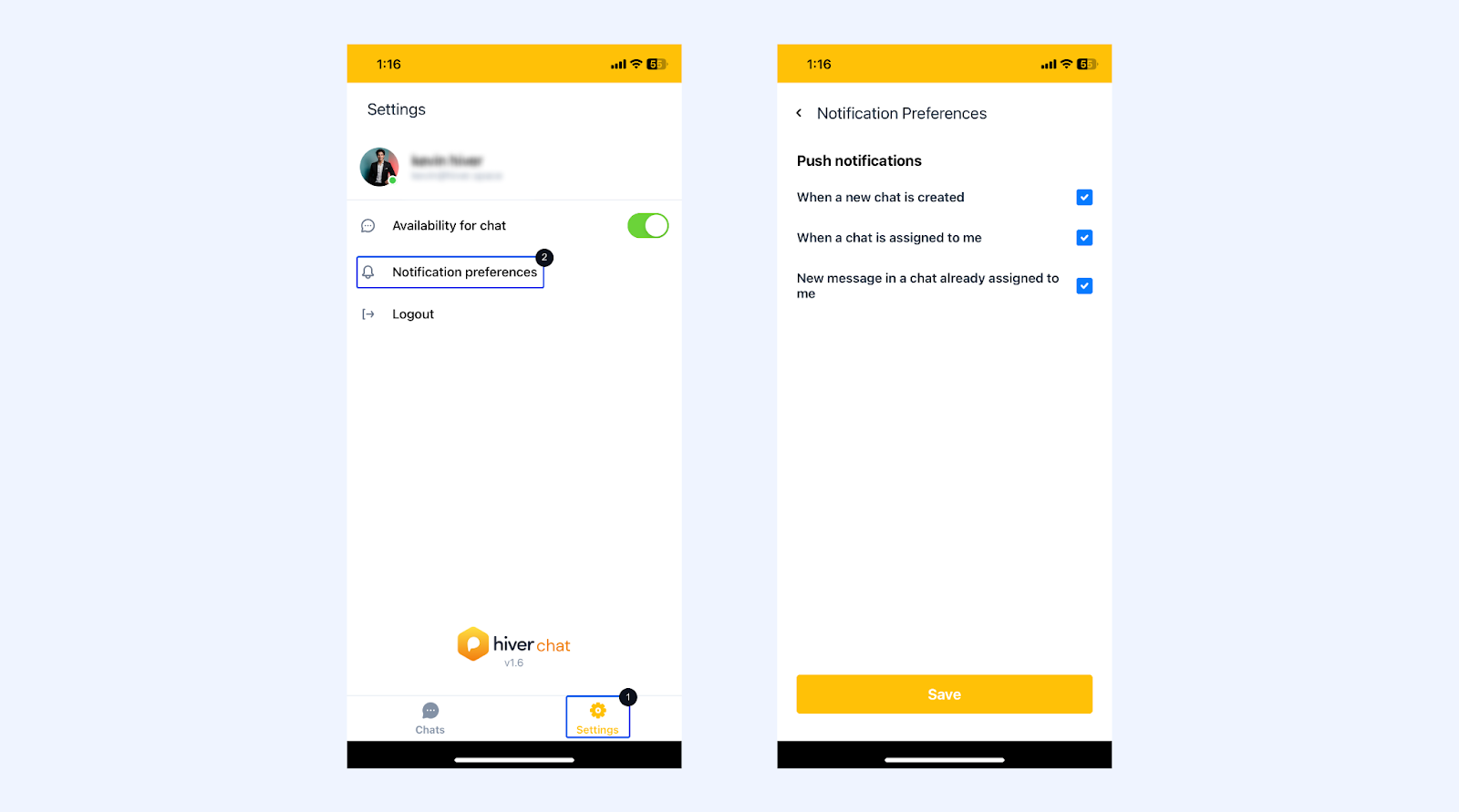
Note: The Notification preferences settings are common across your Hiver account on web and mobile devices. So, on the web you’ll receive desktop notifications, and similarly on mobile, you’ll get push notifications.
Next steps
Managing chat conversations on the Hiver Chat app