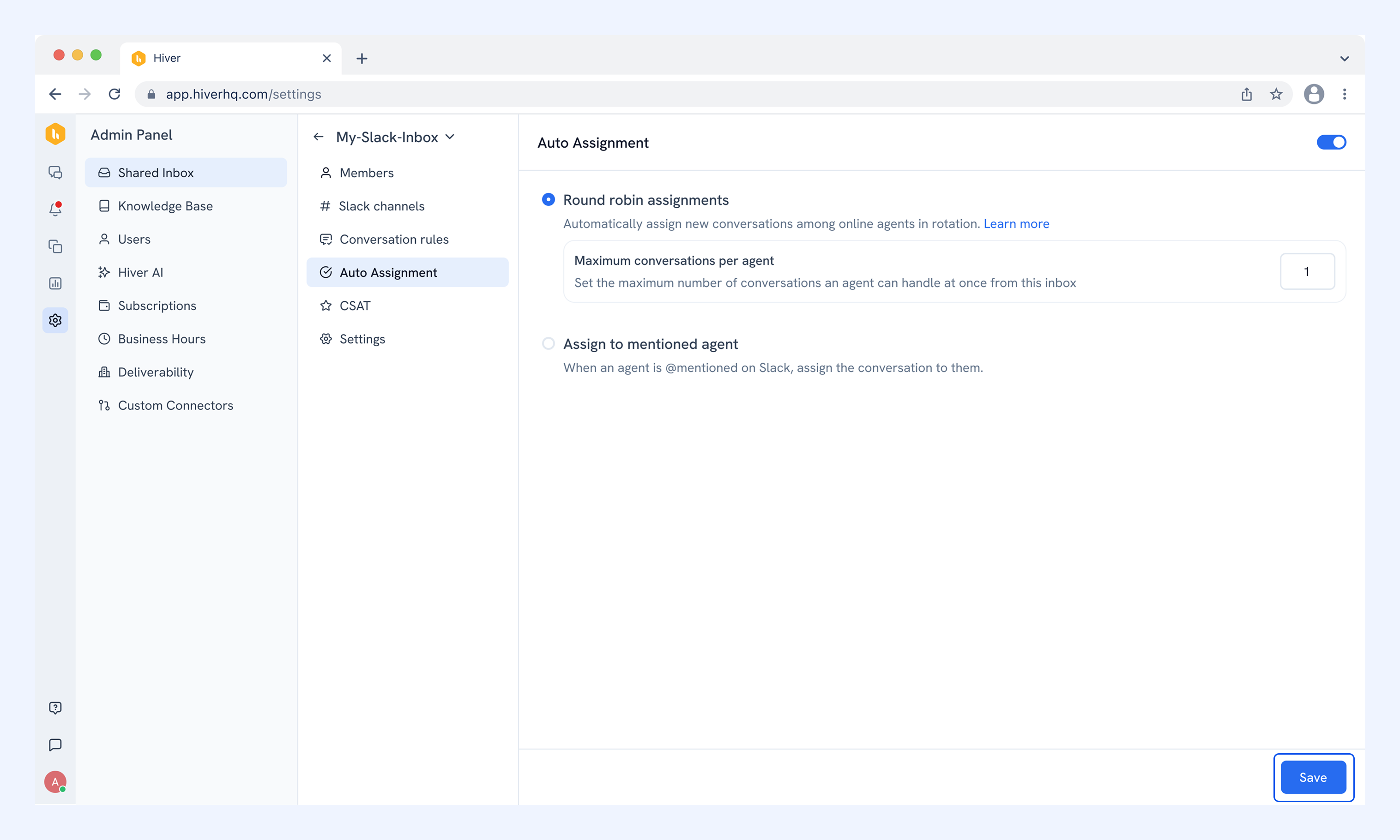
Setting up Auto Assignment for Slack Inboxes
Auto assignment routes incoming Slack conversations to agents in your inbox, so no conversation is left unattended. Instead of manually picking up messages, conversations are automatically distributed based on your inbox settings.
With auto assignment, you can:
- Ensure every Slack conversation is picked up promptly
- Distribute workload more evenly across your team
- Reduce manual effort and missed messages
- Improve response times and accountability
Auto assignment is configured for each Slack inbox, giving you control over how conversations are routed.
Prerequisites
Before you begin, make sure you have:
- Admin access in Hiver.
- Slack Inbox set up already in Hiver.
How Auto Assignment works
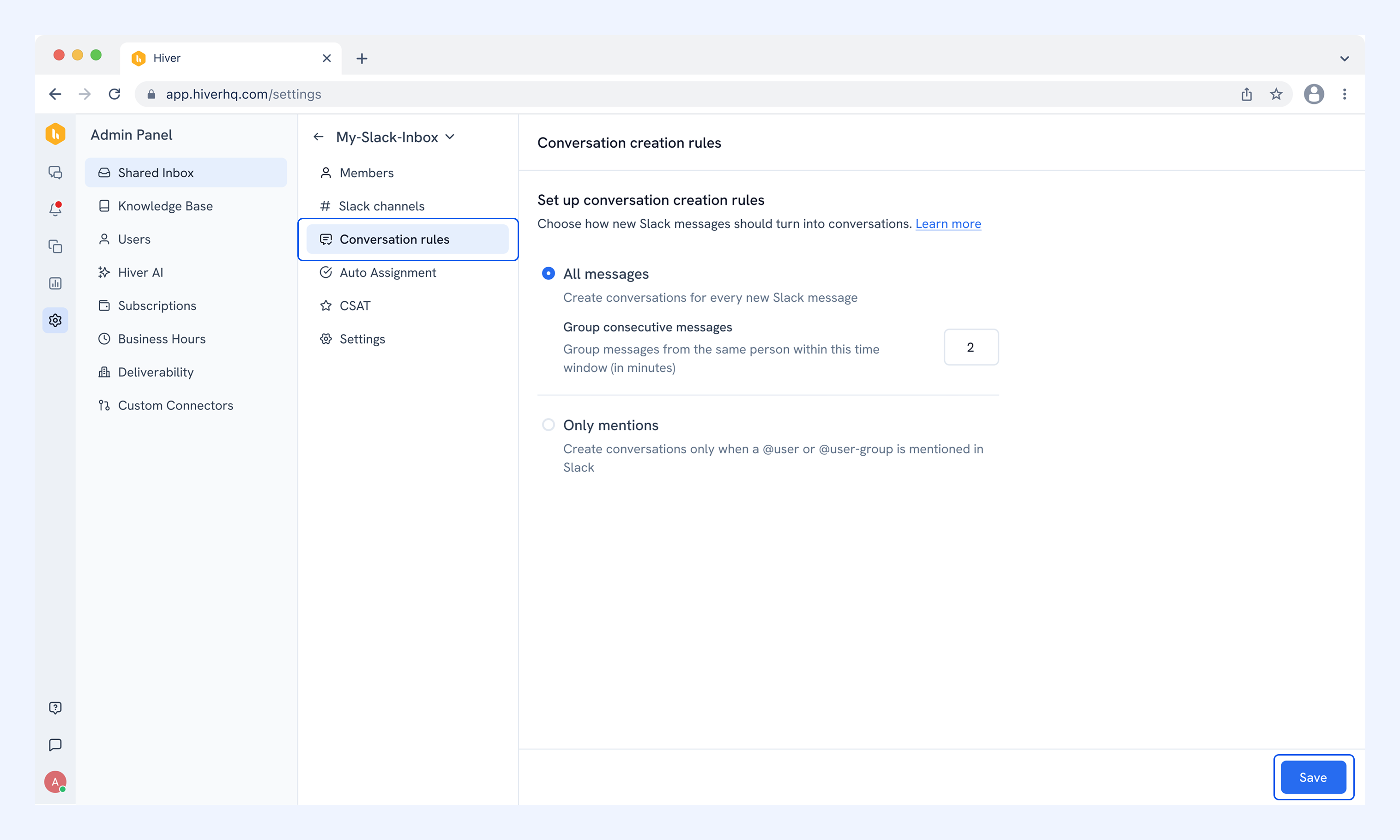
Auto assignment works alongside your inbox's conversation creation rules. The assignment method available to you depends on which rule is active:
- If your inbox is set to All messages, you can use Round robin assignment.
- If your inbox is set to Only mentions, you can use Assign to mentioned agent.
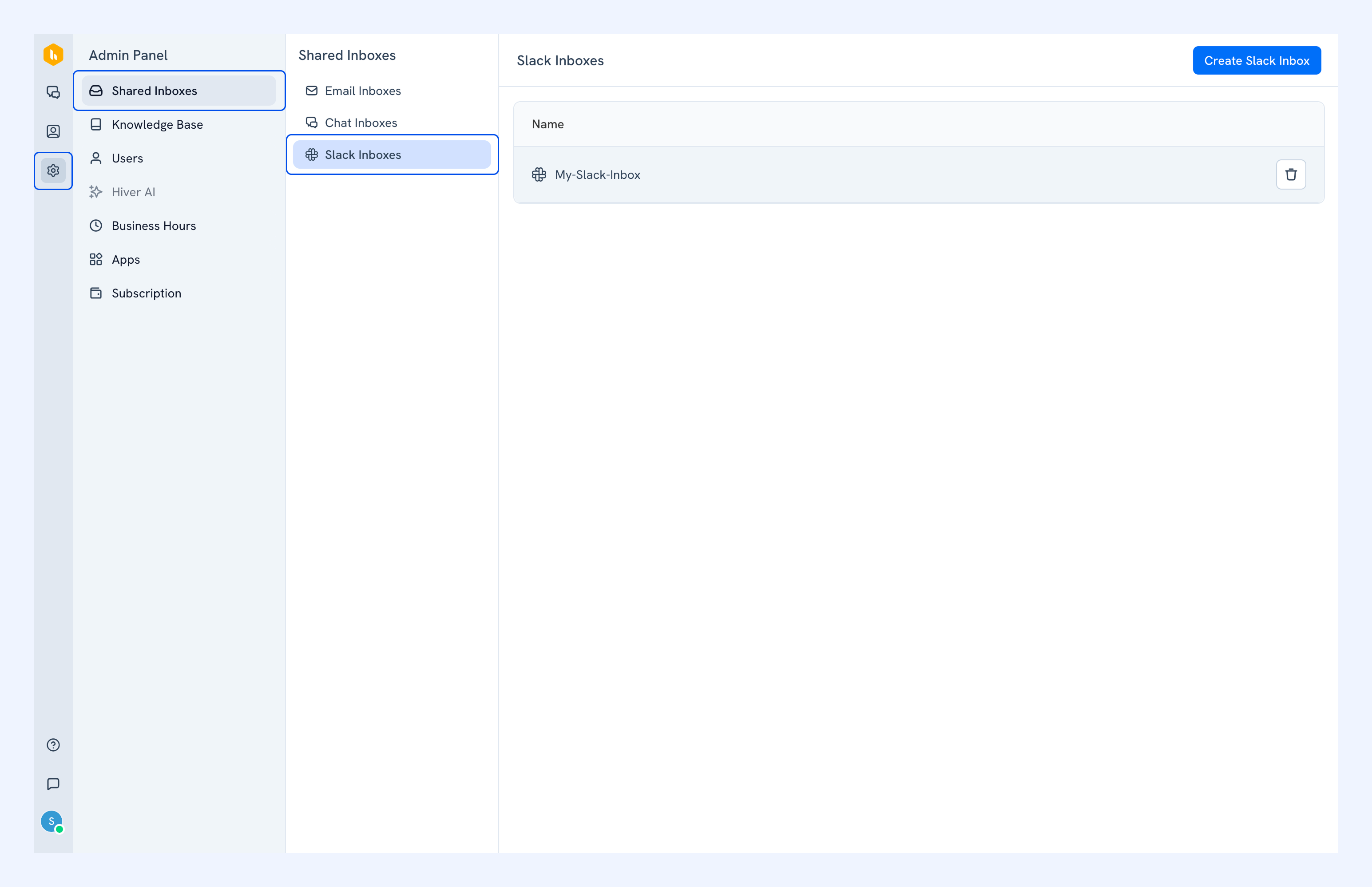
To check or change your conversation creation rule, go to Admin Panel → Shared Inbox → Slack Inbox and select an inbox.
Go to Conversation rules, change the rule and click Save.
Enabling Auto Assignment
Go to Admin Panel → Shared Inbox → Slack Inbox, select your inbox, then go to Auto Assignment.
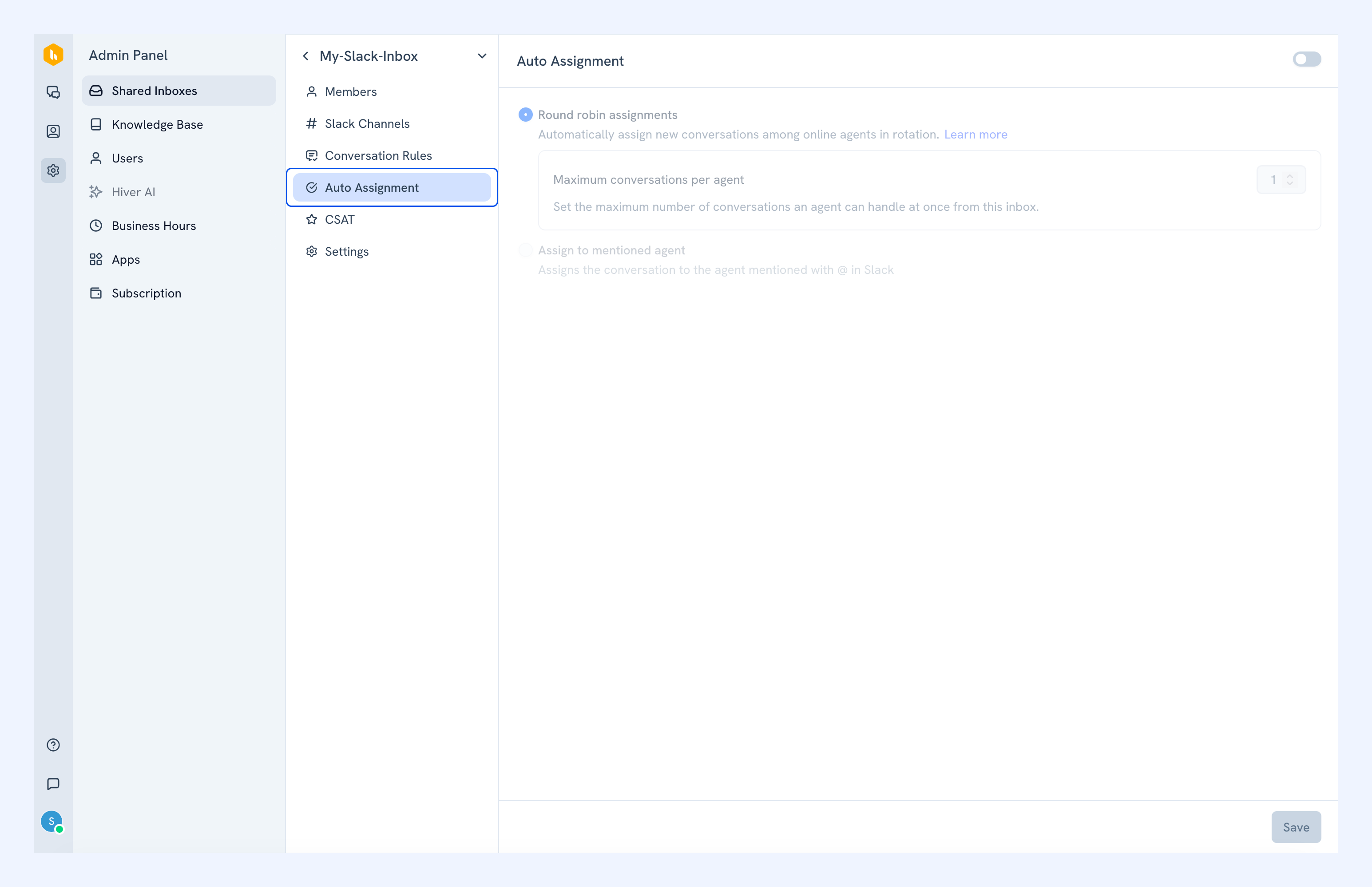
Toggle on Auto Assignment and choose your assignment method.
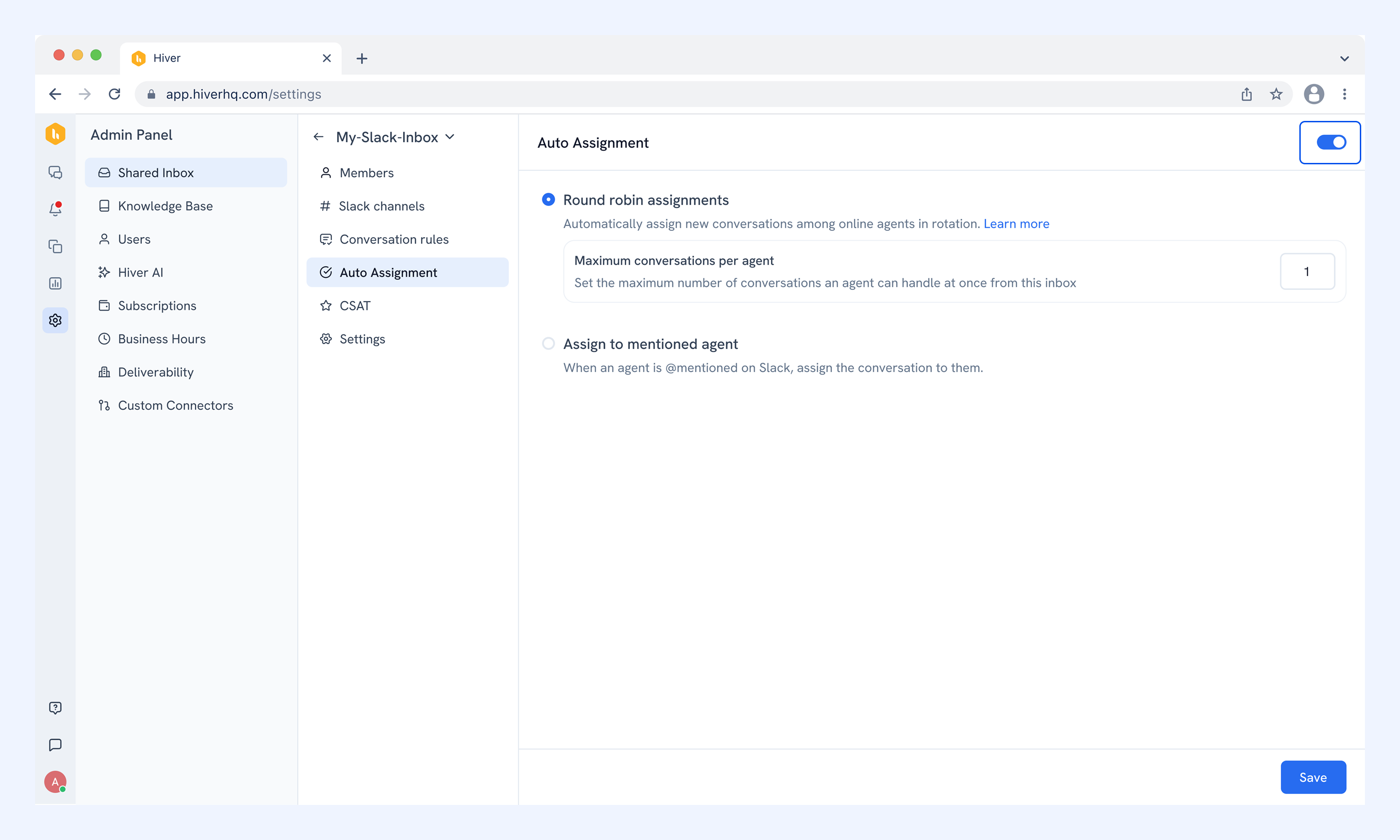
Round robin assignment
Round robin distributes incoming conversations evenly across available team members in the Slack Inbox.
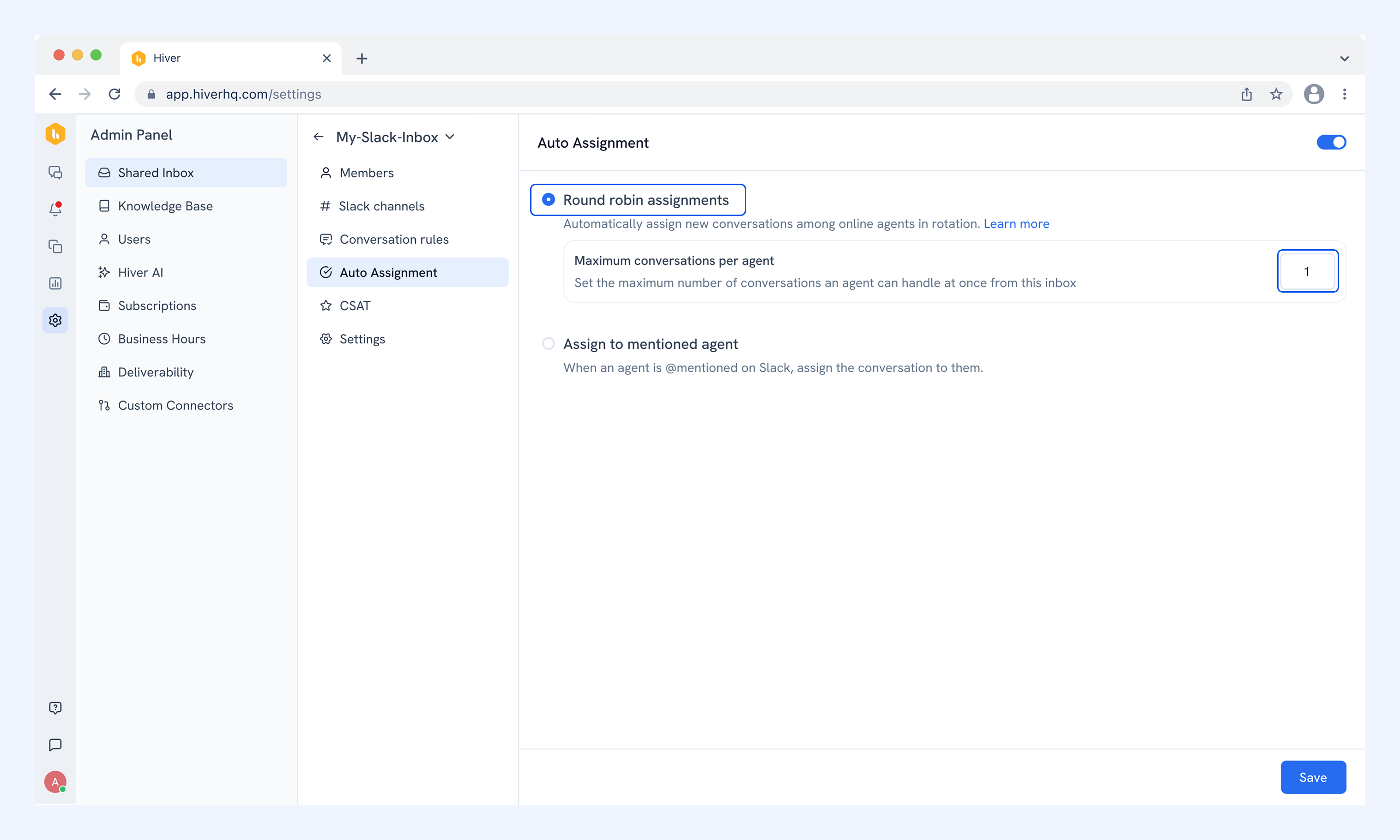
You can set a Maximum conversations per agent limit. This sets a cap on how many conversations can be assigned to a member at a given time. Once an agent hits the limit, new conversations skip to the next available team member.
Note: This option is only available when the inbox conversation rule is set to All messages.
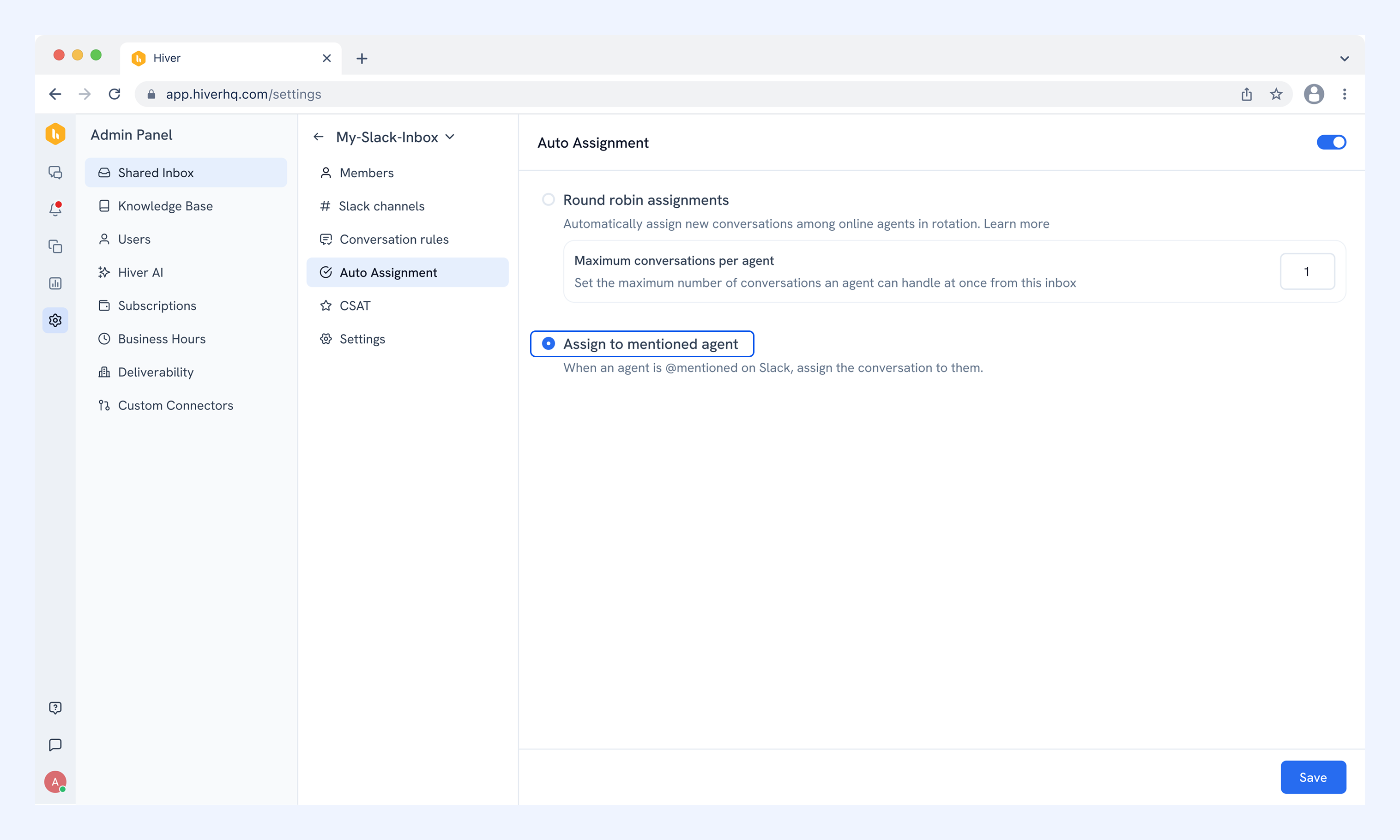
Assign to mentioned agent
When a team member is tagged using @mention on a Slack message, the conversation is automatically assigned to them, provided they are a part of the inbox.
This option is only available when the inbox conversation rule is set to Only mentions.
Saving your changes
Click Save after selecting your assignment method.